Calculator Checkout: Snack Cashier
Published on September 20, 2026
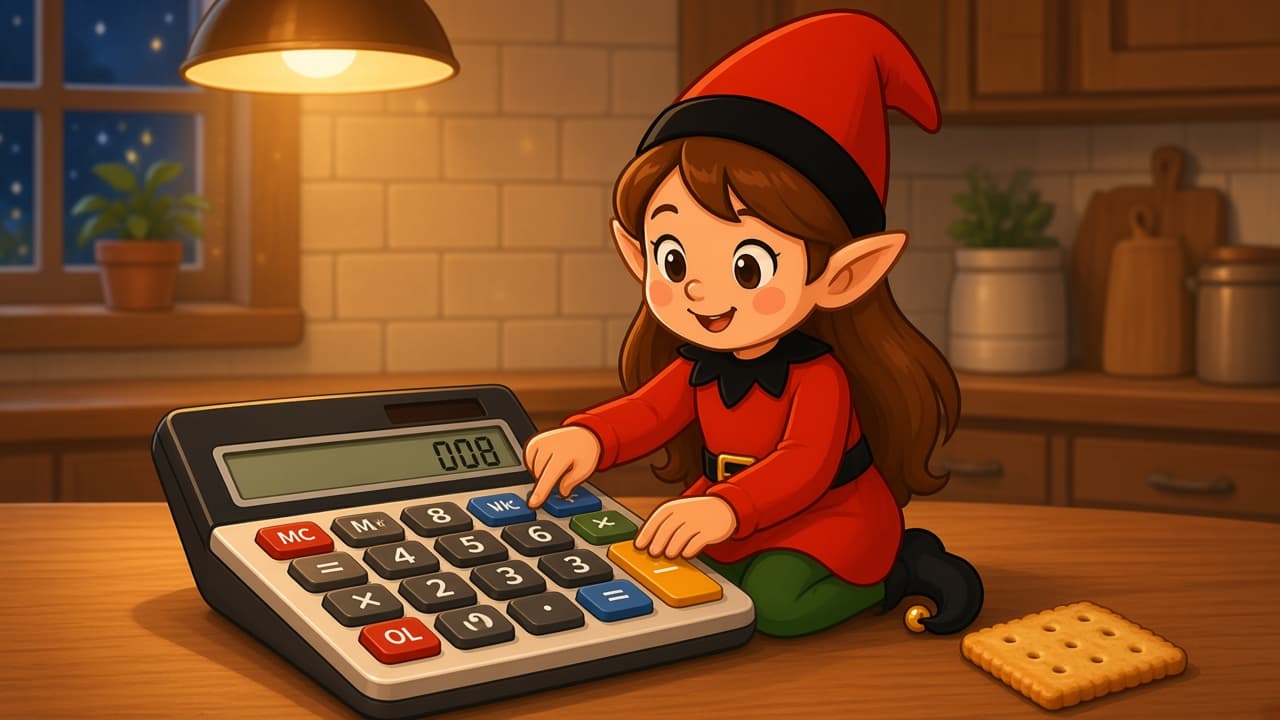
The snack cupboard opened a store, and your elf is the cashier. The register is a calculator. The whole shop is one snack. If you already have a posable holiday elf, skip to the recipe. If you don't, start with the setup kit.
Leave real money, cards, and small batteries in a drawer. The calculator stays off or on a dead screen.
You Will Need This:
- • Your holiday elf
- • A calculator
- • One snack in a wrapper or a cracker
- • A desk or kitchen counter
- • Optional: posable holiday elf if you want hands and feet that can hold the pose.
Step-by-Step Instructions:
Step 1: Open one lane
Clear a short strip of desk or counter. Set the calculator flat like a register. Put wallets and loose change away.
Step 2: Stock one item
Place a single cracker, a tea bag, or a wrapped snack beside the calculator. One item is a store. A pile is a pantry raid.
Step 3: Seat the cashier
Sit the elf behind the calculator with both hands on the keys, like the total is very serious. Face the chair someone will sit in.
Step 4: Print the receipt
A sticky note that says “Beep! One snack.” is the receipt. No real coins on the scene.
Pro Tips:
- • A calculator with big buttons looks more like a register.
- • One item is funnier than a whole snack bowl.
- • If the screen still glows, power it off.
- • The cracker can be breakfast. The joke already happened.
Need More Ideas?
This is one night. Elfie Spot Finder keeps a fresh idea ready so you never repeat last week's pose. See how it works, then grab the app.
Get the AppMore Ideas
Out of ideas tonight?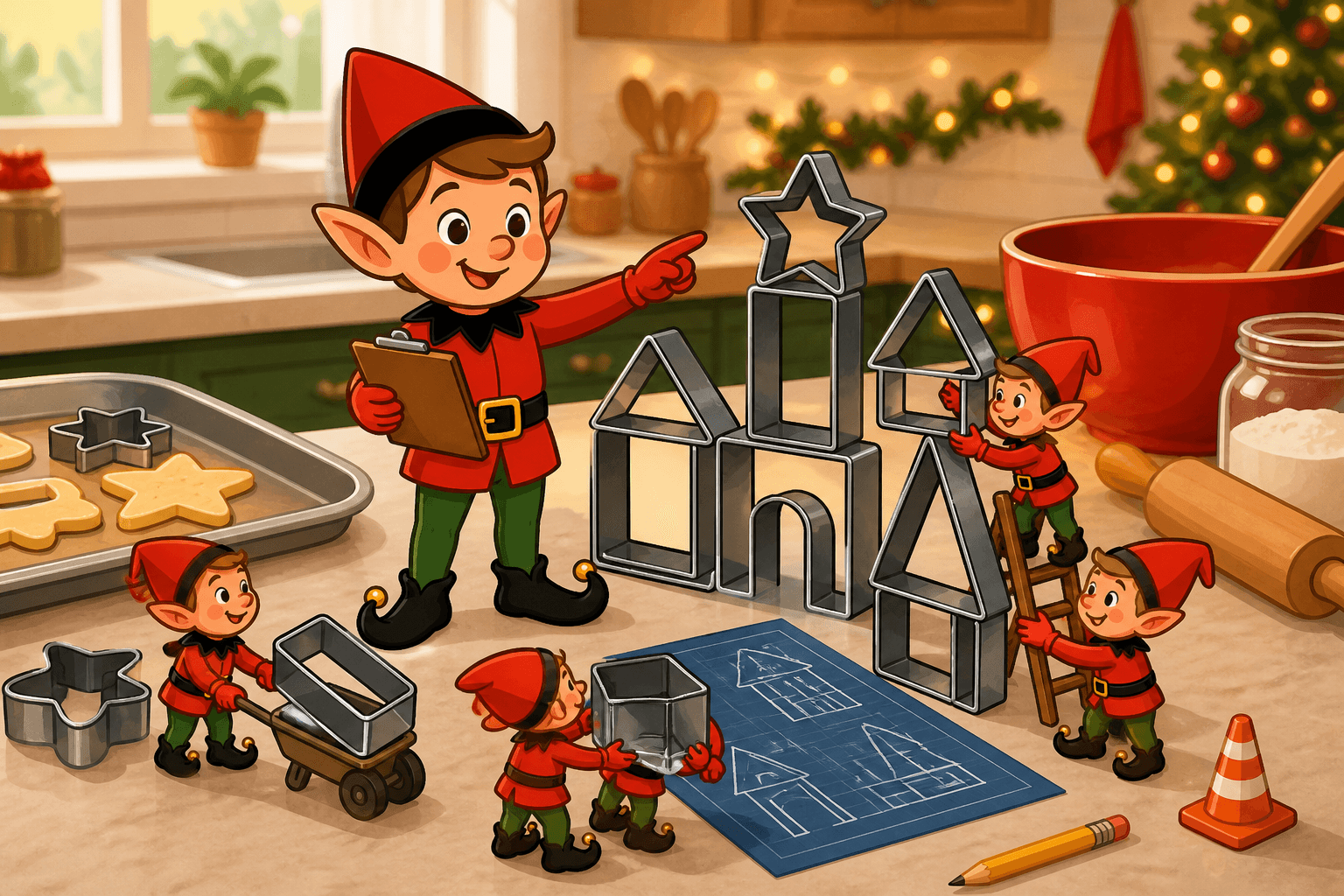
Cookie Cutter Construction
Your elf runs a cookie-cutter construction site on the counter. Stars, trees, and a two-minute crew meeting before anyone preheats the oven.
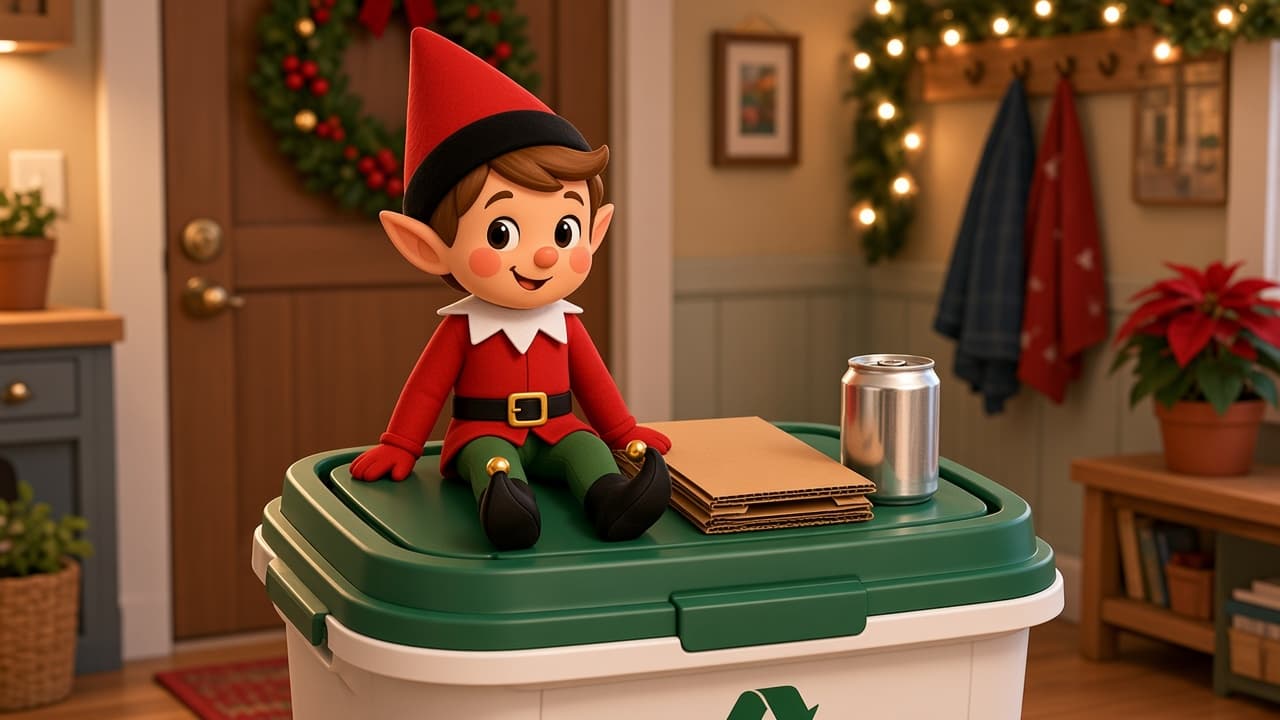
Recycling Sort Shift
The recycling bin is already a job. Tonight the holiday elf took a sort shift. Two minutes. Clean items only.
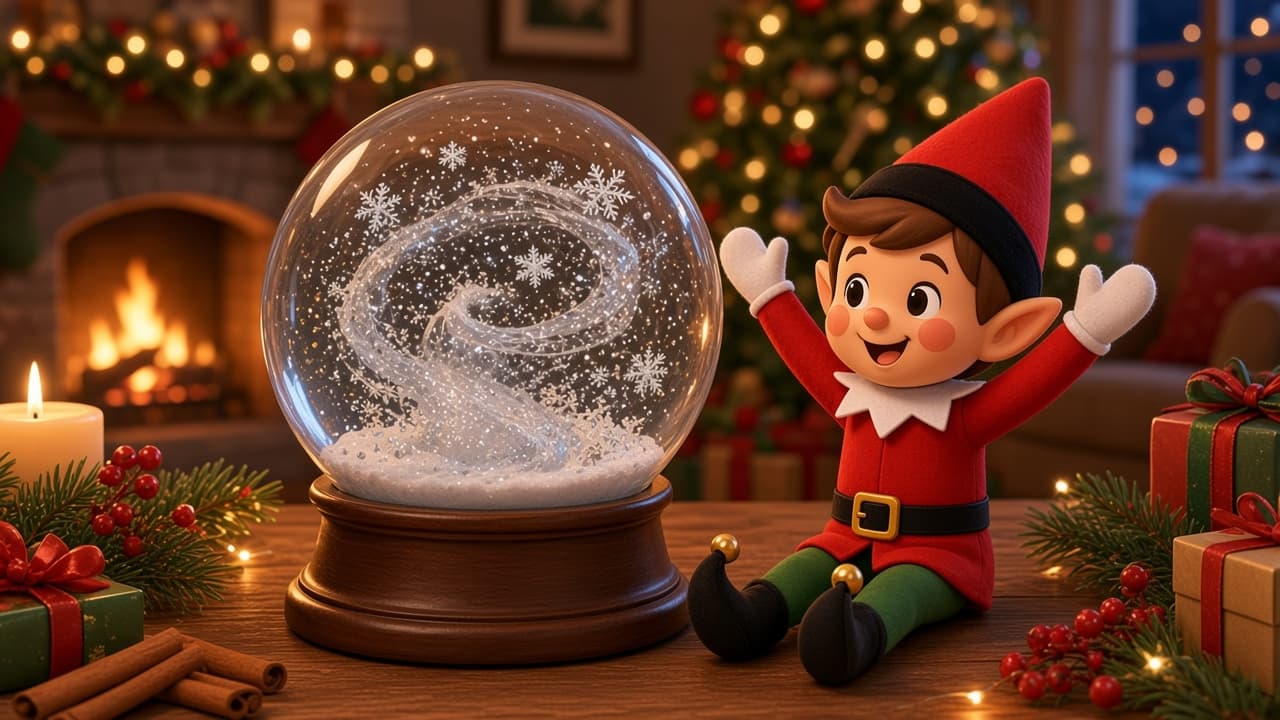
Snow Globe Shake
Your elf is guarding a 2.5-inch skyline snow globe that stays planted on the shelf. The storm is inside the glass. The globe does not go walking.