How Elfie works
Elfie Spot Finder is an iPhone app for holiday elf hiding spots. Open the night you need. Days start unlocked. Use a ready idea, or snap the room you are standing in. Swipe if it is not the one. Place the elf and go to bed.
Last updated October 12, 2026. Elfie Spot Finder.
How do the steps work?
1. Pick the night
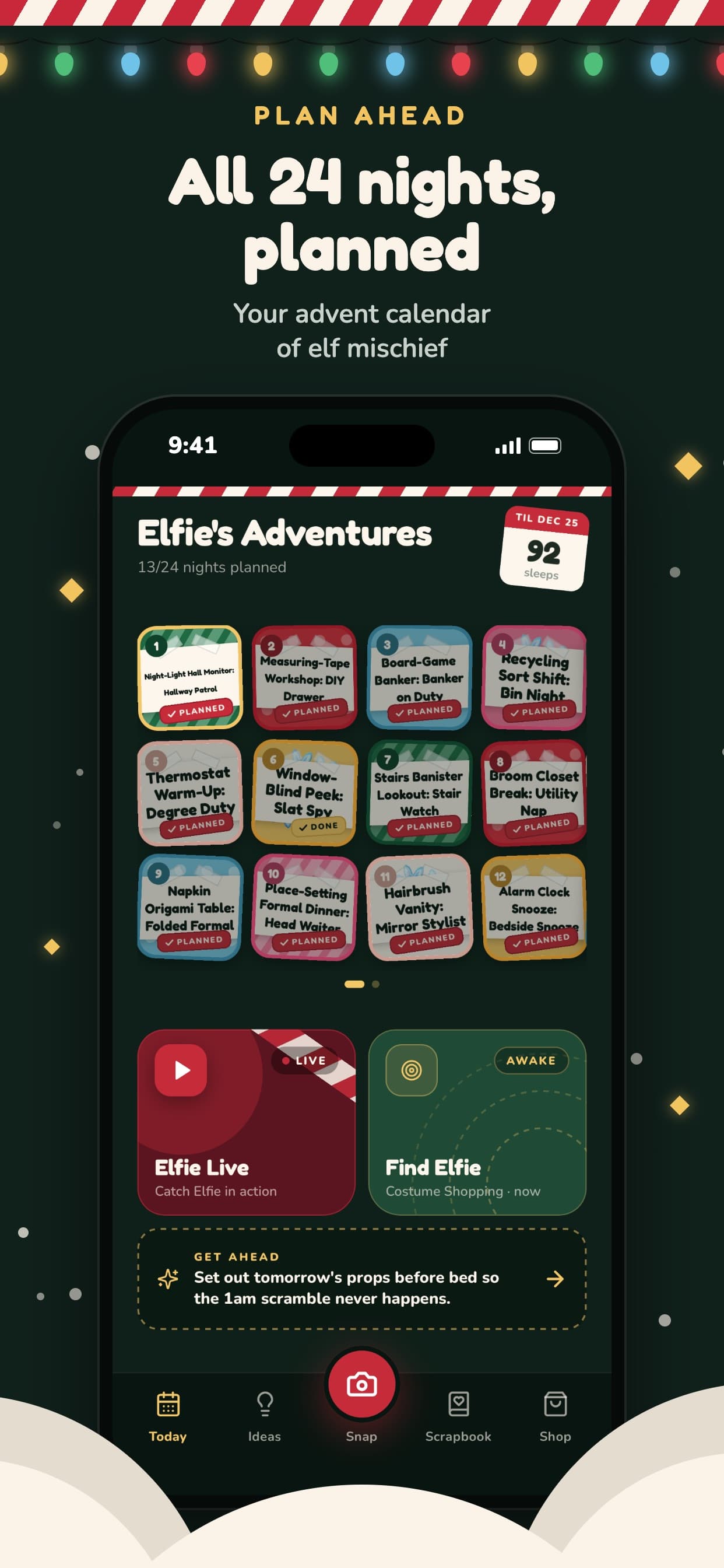
Open the day you need. Every day starts unlocked, so you can set up tonight or plan a later night before bedtime.
2. Get a spot
Start with the ready idea on that day. Swipe if it is not the one. If you need a spot that matches this room, scan instead.
3. Set it up
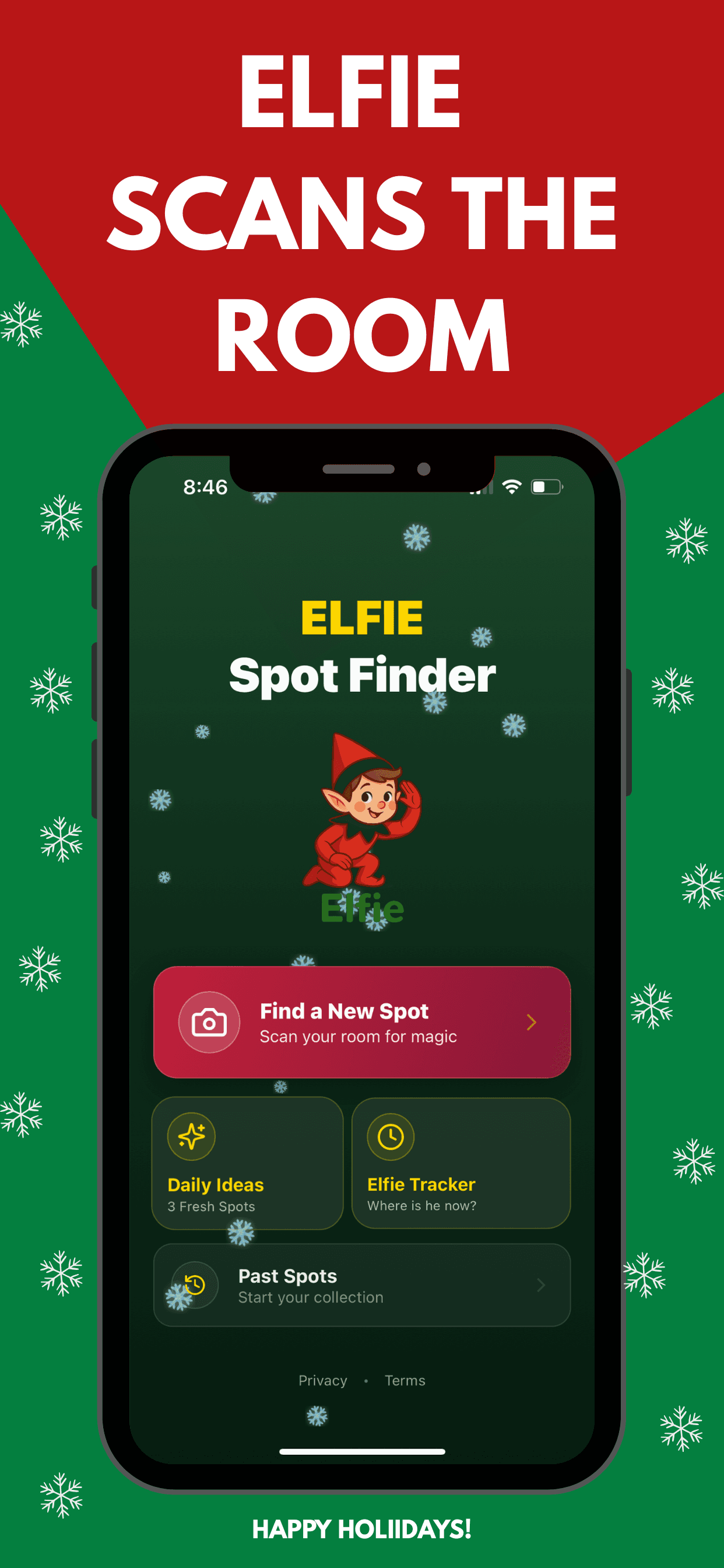
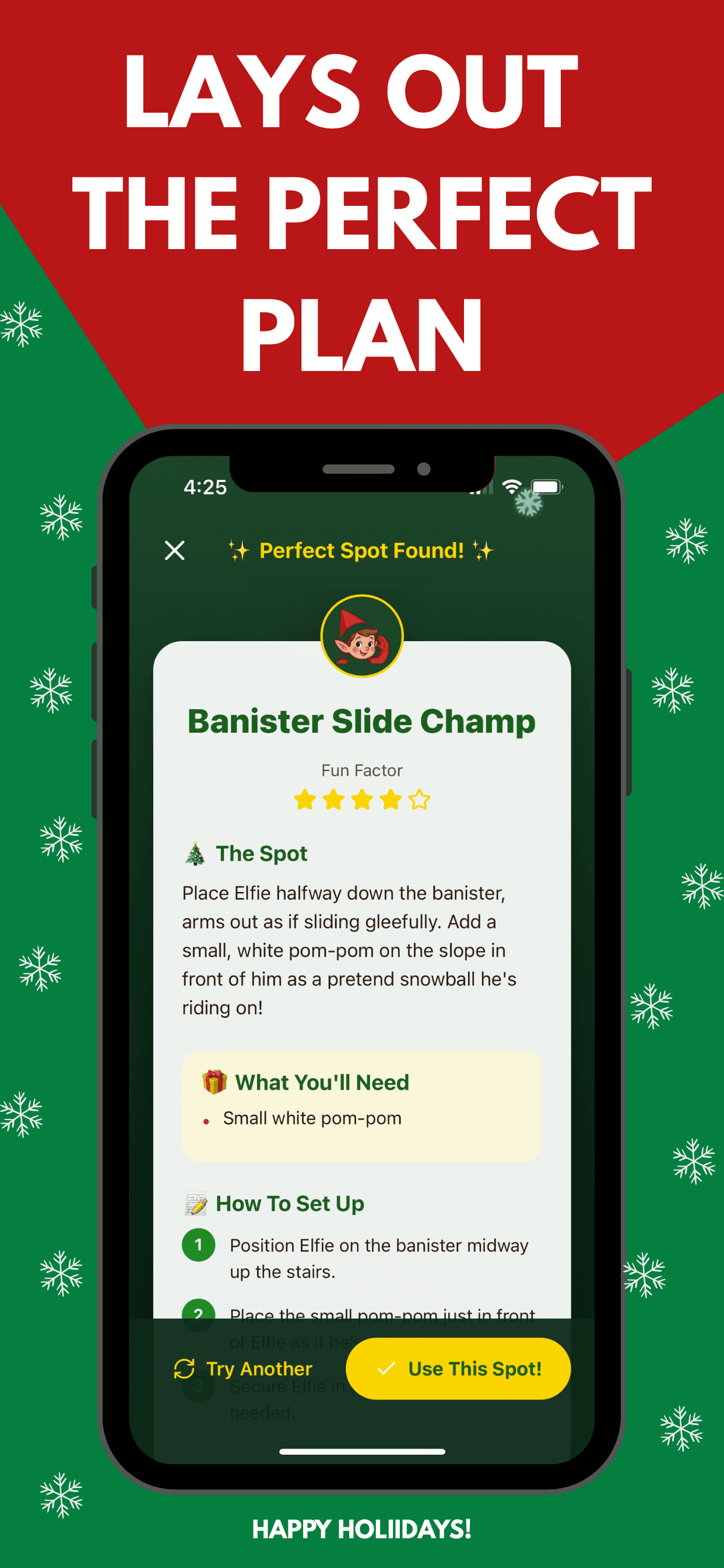
The card names the setup and what you need. Place the elf with what is already in the house.
4. Scan a room, get a hiding spot
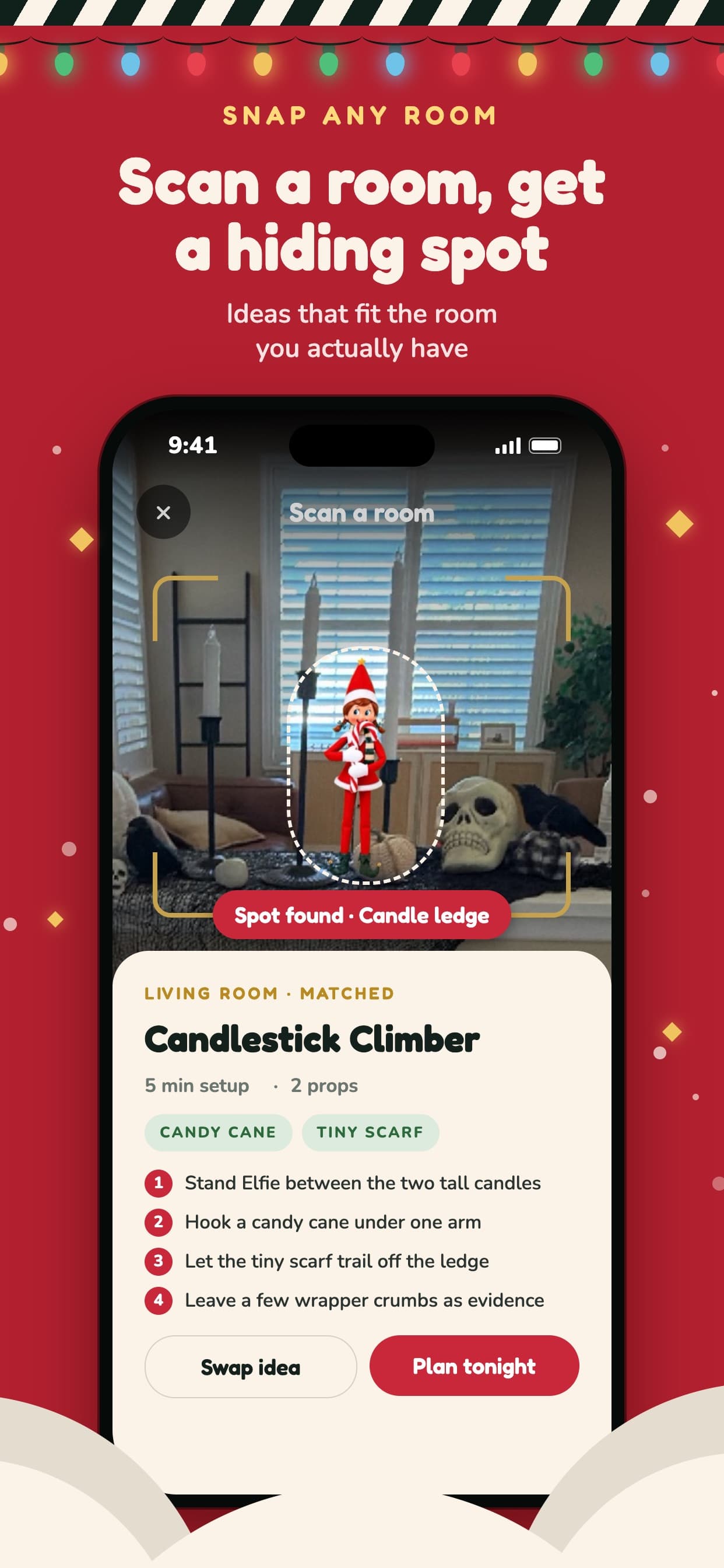
Take a photo of the kitchen, living room, or bedroom. Elfie finds a spot that fits the room you actually have, with the setup time, the props, and the steps. Don't like it? Swap for another.
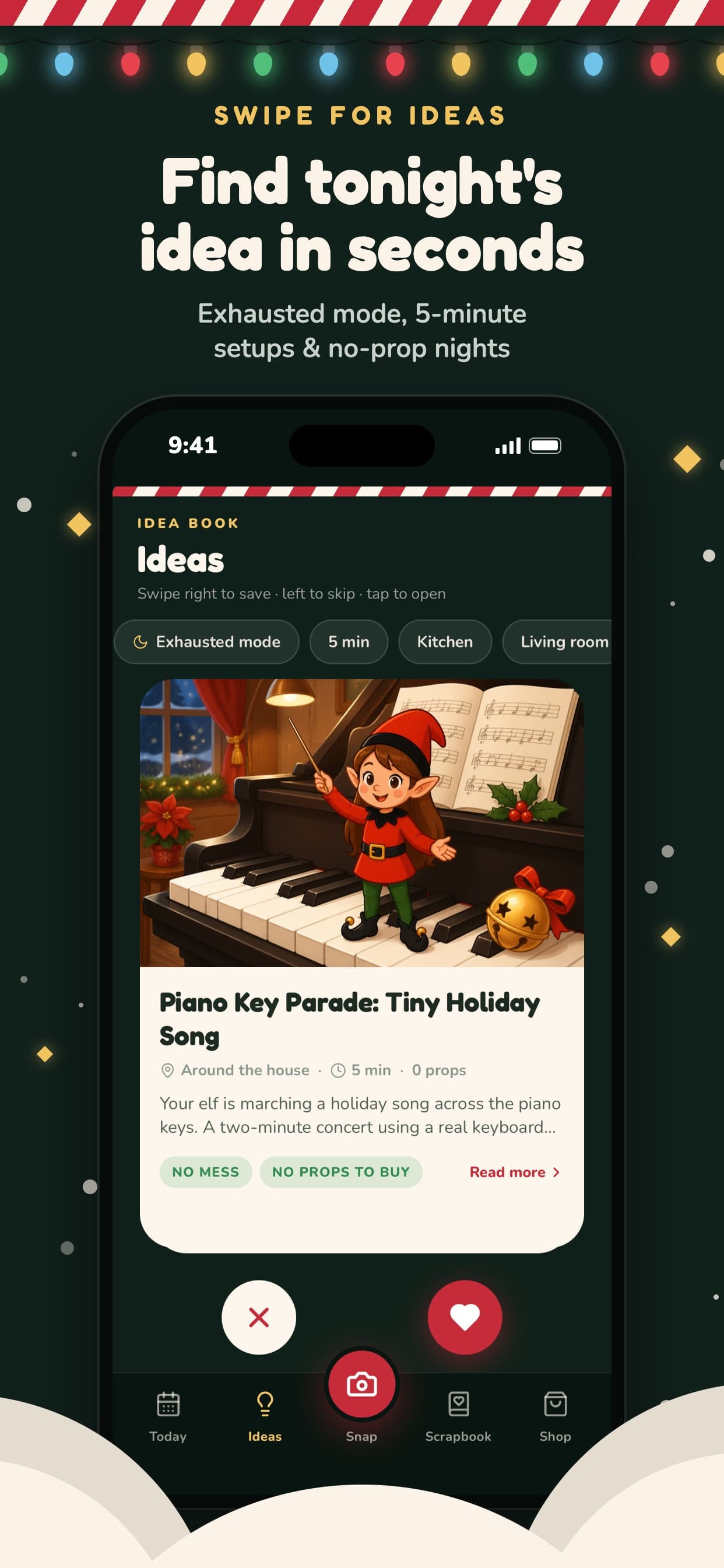
5. Swipe for ideas
Find tonight's idea in seconds. Swipe right to save, left to skip. Filter for exhausted mode, a 5-minute setup, a room, or a night with no props.
What does the Elfie app include?
- Days start unlocked, so you can plan tonight or a later night.
- Hundreds of ready ideas. Swipe if the one on that day is not the one.
- An optional room photo when you want a spot that matches this house.
- Three free swipes a day and three free scans a day, then a paywall.
- Used spots stay out of the rotation.
- iPhone only, iOS 15.1 or later. No Android app.
Who is Elfie Spot Finder for?
Busy parents who want one spot and then bed. And the late-night forgot to move the elf crowd, when the month got ahead of you and the doll is still on yesterday's shelf.
Common questions about Elfie Spot Finder
Is Elfie Spot Finder free?
You get three free swipes a day and three free scans a day. After that there is a paywall. Current subscription details live on the App Store listing and in the terms. This page does not quote a price.
Which devices does it run on?
iPhone only. The App Store listing requires iOS 15.1 or later. There is no Android app.
How many ideas are there?
Hundreds of ready holiday elf hiding ideas. Swipe if the one on that day is not the one you want.
Does it work with any elf doll?
Yes. Use the posable figure you already have. Elfie Spot Finder is an independent app. It is not made by, endorsed by, or affiliated with a doll brand.
Do I have to scan the room?
No. Scan is optional. The camera runs only if you choose it. A ready idea works without a photo. Room-photo handling is on the room photos page.
What about the letter you leave with the elf?
The hiding spot and the note are different jobs. Elfie Spot Finder publishes 25 free elf printables, each in a boy elf PDF and a girl elf PDF, with no signup. Night one can use the free arrival letter and the 24-night planner. The last morning can use the goodbye letter.