Garden Guru: Plant Parent Pro 🌱
Published on November 10, 2025
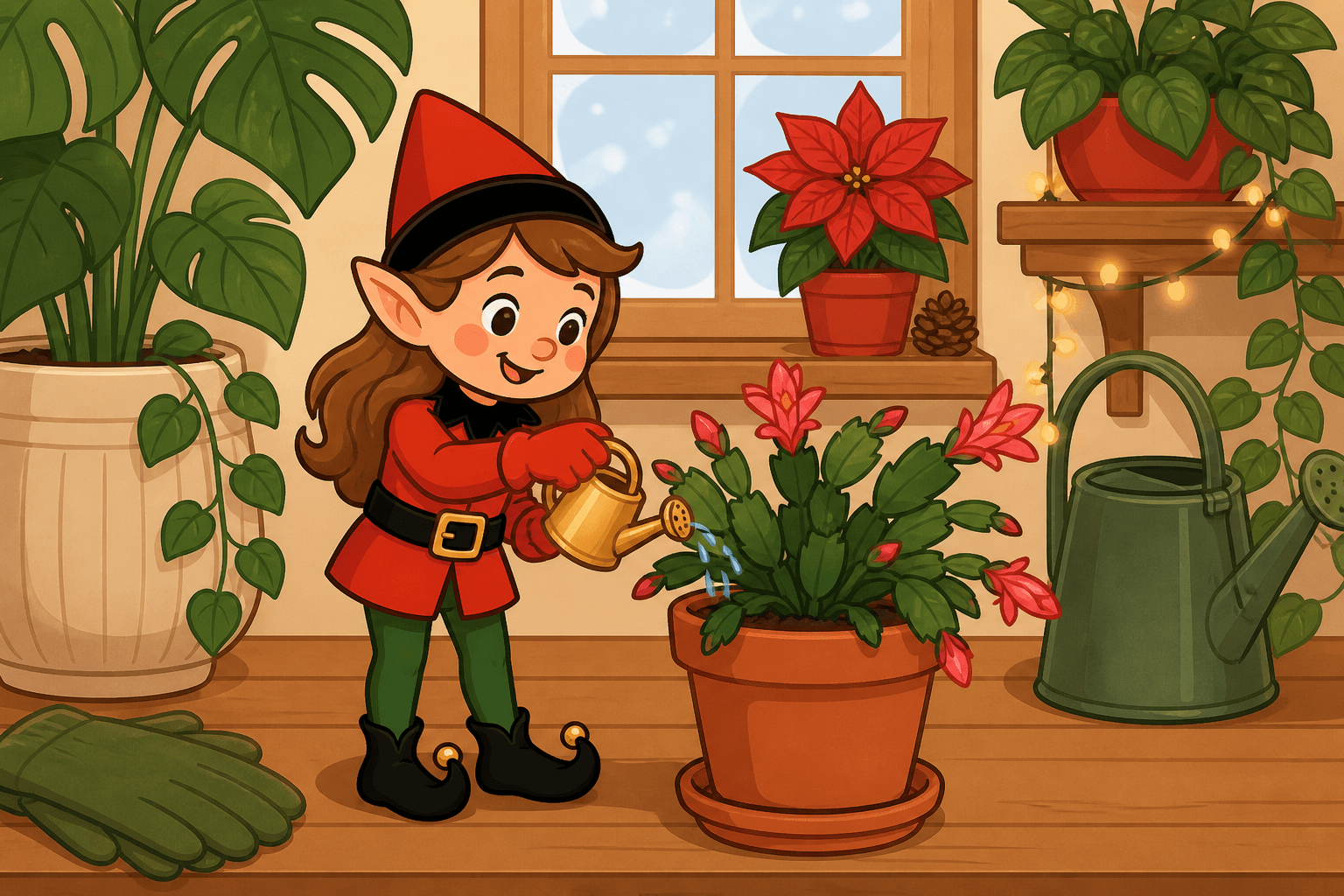
Your elf discovered a green thumb! This peaceful scene shows your elf watering plants, tending to a mini garden, or caring for houseplants, bringing nature and tranquility to your home. If you already have a posable holiday elf, skip to the recipe. If you don't, start with the setup kit. The mini watering can is optional, and only if you want the plant shift already tooled. The houseplant is still the garden.
You Will Need This:
- • Your holiday elf
- • Houseplants or a mini garden setup
- • Optional: a mini watering can if you want a tiny can already in their hands instead of a spray bottle.
- • Optional: Small gardening tools
- • Optional: Plant markers or labels
Step-by-Step Instructions:
Step 1: Set Up the Garden Scene
Position houseplants or create a mini garden on a table or surface. You can use small potted plants or create a terrarium-style setup.
Step 2: Add Gardening Tools
Place mini gardening tools around - a tiny watering can, small shovel, or plant markers. Make it look like a real gardening station!
Step 3: Position Your Elf
Place your elf near the plants, making it look like they're either watering, planting, or admiring their garden. You could have them "holding" a watering can!
Step 4: Add Green Details
Add a small sign that says "Plant parent!" or "Growing with love!" You could also add plant labels or a mini garden journal.
Pro Tips:
- • Use real houseplants for the best effect (just be careful with positioning)
- • This scene works great near windows or plant areas
- • You can add new plants or change the garden each day
- • Take photos with natural light for a fresh, green feel
- • Kids will love the peaceful, nature-focused scene!
Want More Green Ideas?
Get AI-powered suggestions for nature scenes! Elfie Spot Finder helps you create magical moments. Download now!
Download the AppMore Ideas
Out of ideas tonight?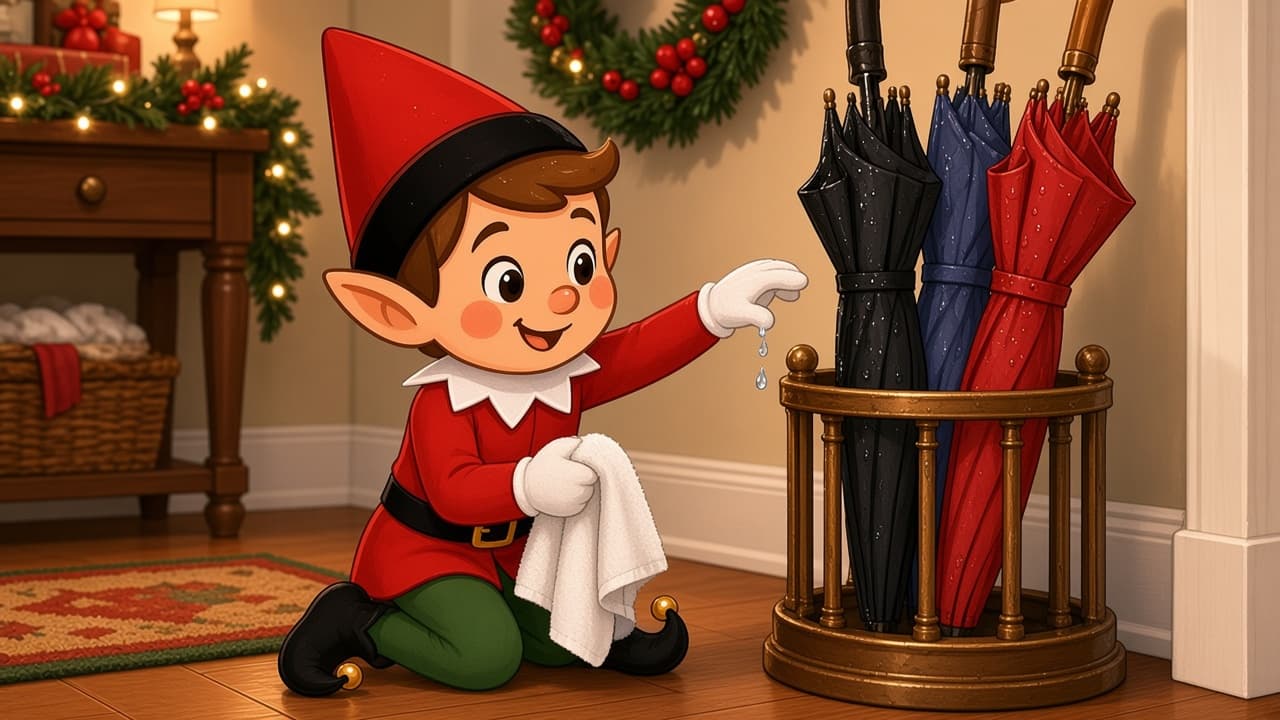
Umbrella Stand Drip
Two tiny black umbrellas parked in the drip stand make it look like your elf came in from a storm. Keep the doll dry and the crock doing the dripping, not the felt.
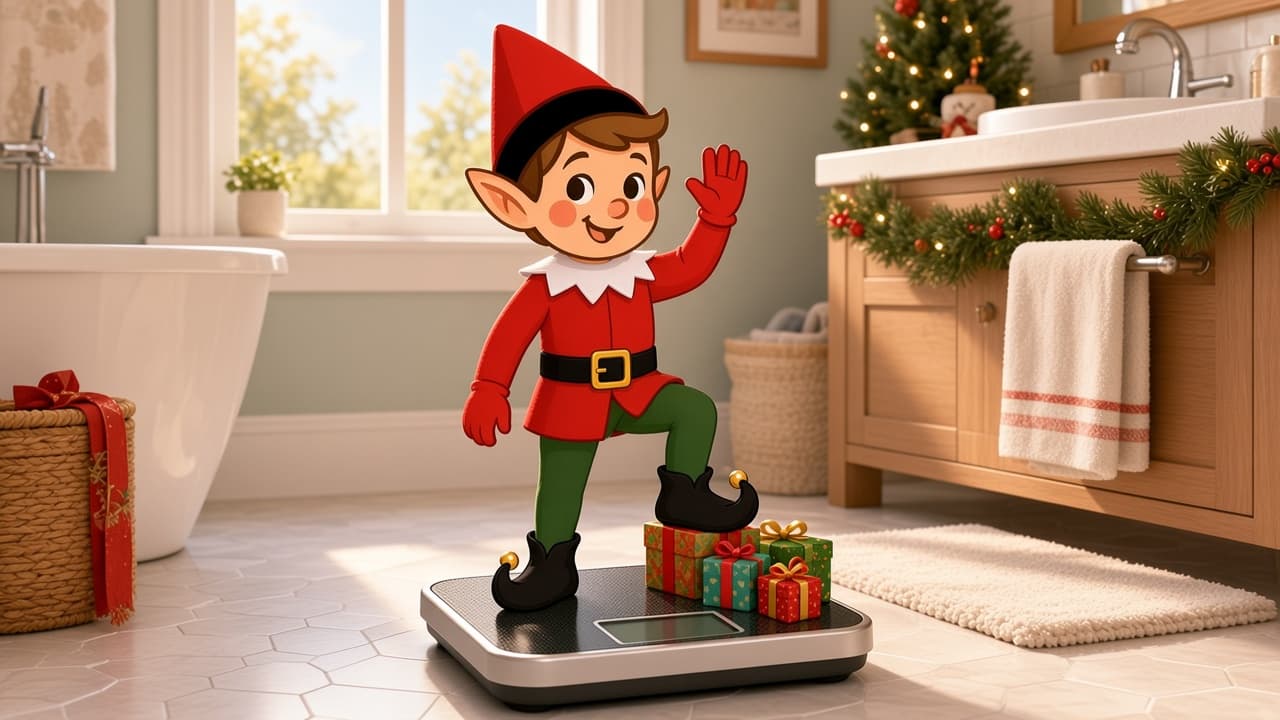
Bathroom Scale Weigh
Your elf hopped on a tiny bathroom scale for an official weigh-in. It is a two-minute vanity gag that makes the morning toothbrush line a little sillier.
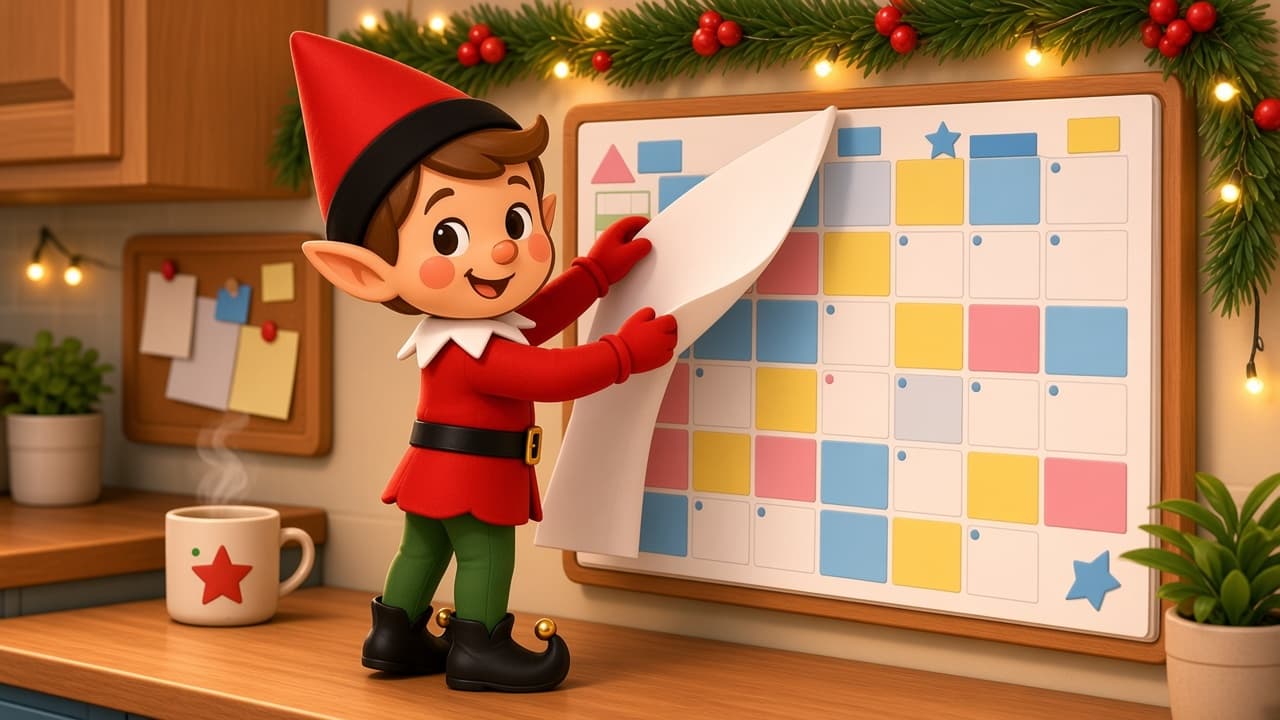
Family Calendar Flip
Your elf flipped a tiny desk calendar to the completely wrong month and is acting like that was the plan. It is a two-minute desk gag with a punchline kids can spot instantly.