Tech Trouble: A Screen-Time Rules Elf Idea | Elfie
Author: Elfie Spot Finder · Published November 13, 2025Updated Oct 2026
Tech trouble is a screen-time rules elf idea: your elf is caught at the desk wearing tiny paper headphones, staring at a switched-off tablet with a sticky note that says "How do I make it go?" Beside them sits a paper screen-time contract the elf has "signed," ready for kids to sign too.
If you already have a posable holiday elf, skip to the recipe. If you don't, start with the setup kit.
What you need from around the house
- Your holiday elf
- A tablet, old phone or toy gadget, switched off (a toy version works well)
- A pipe cleaner or strip of paper bent into headphones
- Two bottle caps for ear cups
- A sheet of paper for the contract
- A pen and a sticky note
Step-by-step setup
Step 1: Switch off and unplug
Turn the device off and unplug it. Move chargers and cables away so nothing warm sits under the elf and no cords trail off the desk.
Step 2: Make the headphones
Bend a pipe cleaner into an arc and press a bottle cap onto each end. Set it over the elf's hat.
Step 3: Pose the confused user
Sit the elf facing the dark screen, one hand on the edge, head tilted. Stick a note on the screen: "How do I make it go? I pressed my face on it."
Step 4: Write the contract
On the paper, write a short, fair list of your real screen rules in elf language: "1. Screens after homework. 2. Screens off at dinner. 3. Charge devices in the kitchen at bedtime. 4. Say thank you when your turn ends." Leave signature lines: one already signed by the elf and blank ones for each kid.
Step 5: Leave the pen
Lay the pen across the contract with a sticky note: "Please sign. I already did. I do not know what a screen is."
Let the elf back up your screen rules
Screen-time talks go better coming from a confused elf than from a tired parent. The contract puts your rules in writing, kids sign it in good humor and you can point to it later. Keep it on the fridge for the season. On a later night, the elf can be found reading a real paper book next to the switched-off tablet with a note: "This one does not need charging."
Safety tips
- Devices stay off, unplugged and away from chargers during the scene.
- Keep cables off the floor and away from babies.
- Bottle caps are small; skip them for toddlers and use a paper band only.
- If you use a real device, check it is password-locked before leaving it out.
Cardboard tablet or a confused-remote note
No spare device? Draw a tablet on a piece of cardboard, with a big dark rectangle for the screen, and prop it up in front of the elf. Or stick the "How do I make it go?" note on the TV remote and sit the elf beside it. Find more ideas for a desk in the desk elf ideas guide. The whiteboard weather report and the charging station chaos keep the gadget comedy going.
Morning reveal line
"I tried the tablet. It did not do anything. I talked to it. It did not talk back. Rude." — your elf
FAQ
What is the tech trouble elf idea?
The elf is caught at the desk with paper headphones and a switched-off tablet, confused, beside a paper screen-time contract for kids to sign.
What should go in an elf screen-time contract?
A short list of your real family screen rules in friendly language, with a signature line for each child and one signed by the elf.
What safety tips apply to using a real tablet in the scene?
Switch it off, unplug it, keep chargers away and lock it.
Related ideas
Desk elf ideas
Elf hiding ideas that use a desk or craft table.
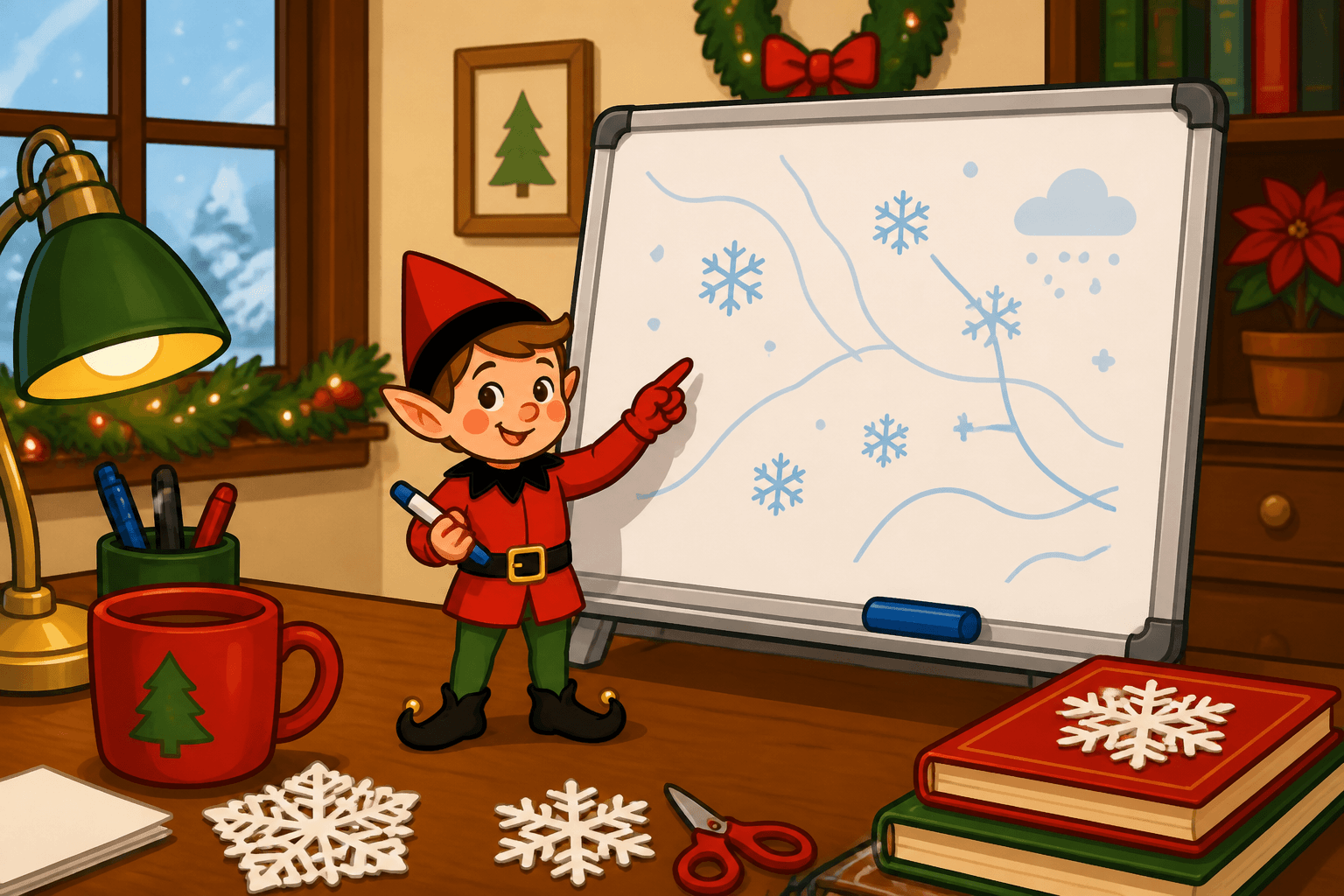
Whiteboard Weather Report
Your elf is delivering a snow forecast on the whiteboard. A classroom-style weather report using dry-erase markers you already have.
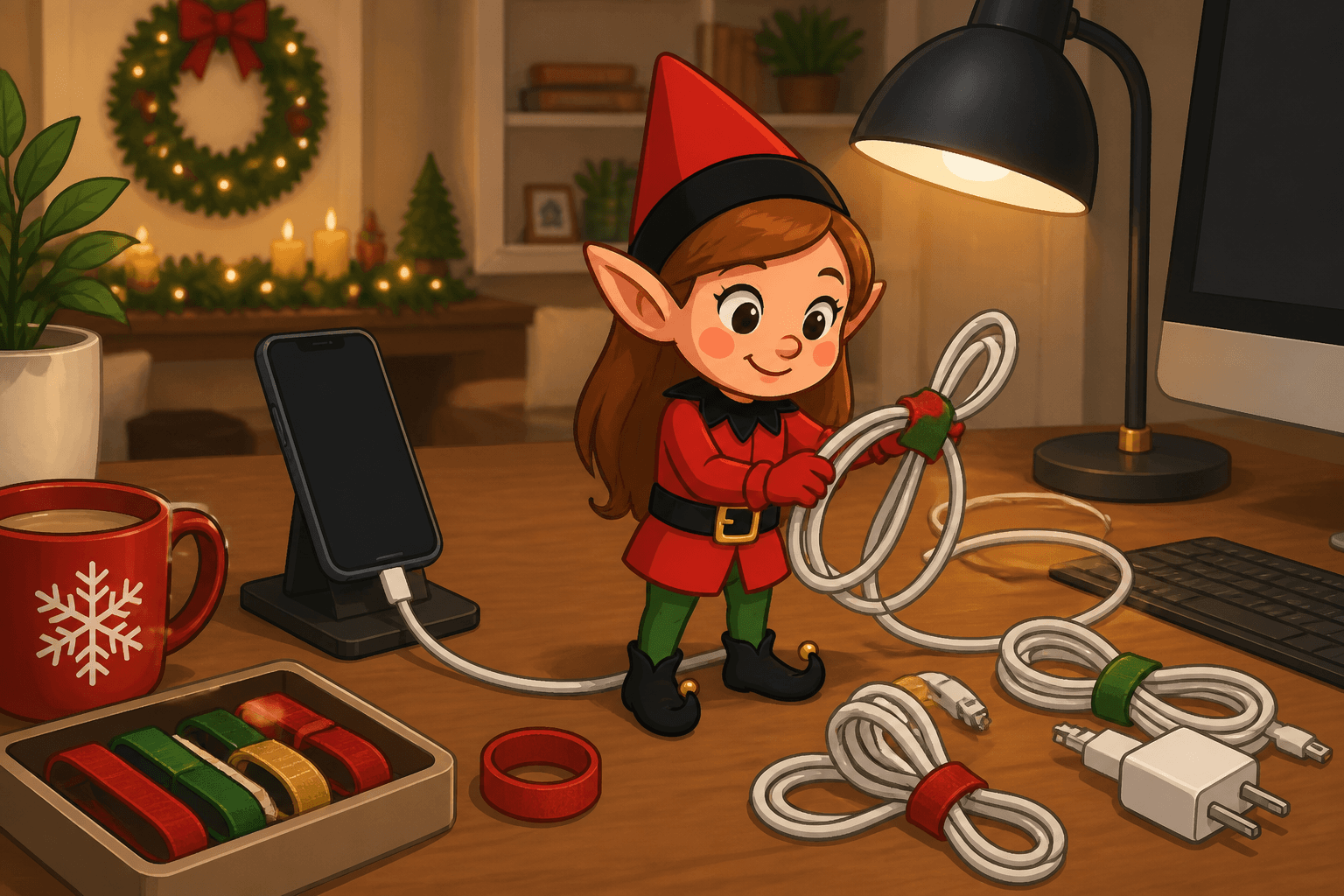
Charging Station Chaos
Your elf gets tangled in unplugged charging cords while trying to label them, and leaves the family a tidy cord plan. Setup steps and a few care notes.