Out of elf ideas tonight? Use the room you are standing in
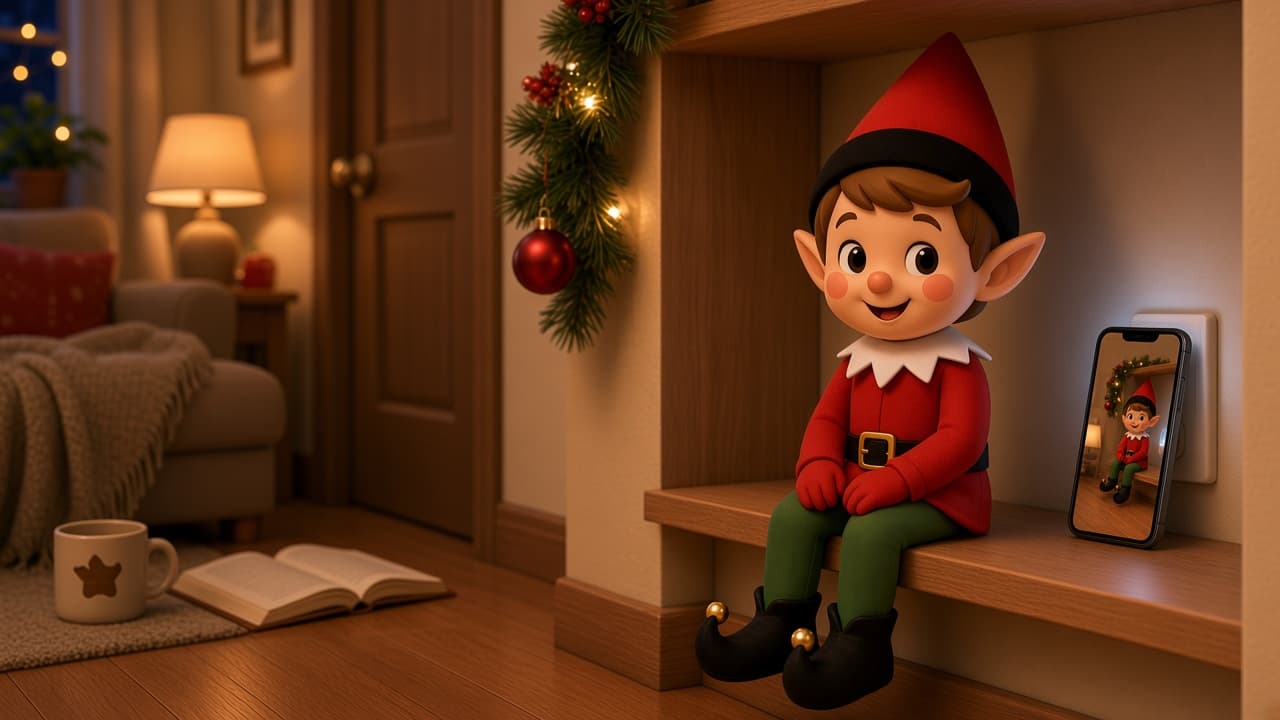
It is late. The November bookmark is used up. The board is the same six photos you already rebuilt. You are standing in one room, and the holiday elf still needs a job before you sleep.
Elfie Spot Finder is built for that night. iPhone only, iOS 15.1 or later. Open today. Use a preset, or scan this room. How it works shows the live screens.
A list shows someone else’s kitchen. Tonight you need this one. That is the whole room photo vs list argument.
Do this
- Open the app and tap today.
- Use the preset. If it wants a climb or a prop you do not have, swipe.
- Or scan the room you are in: floor, a wall, the furniture that is actually here.
- Place the elf. Go to bed.
About 90 seconds if the first usable card is good enough.
Safety, tonight
Do not climb. Do not use a stove, candle, or space heater. Do not block a stair or a door. Tired parents pick the low shelf.
Details if you want them
Subscription details live on the App Store and in the terms. Room-photo handling is on Room photos. Help: support@elfiespotfinder.com.
Ready? Get the app.
Related ideas
If you want a ready scene, start here. Two minutes. No craft table.

More elf ideas
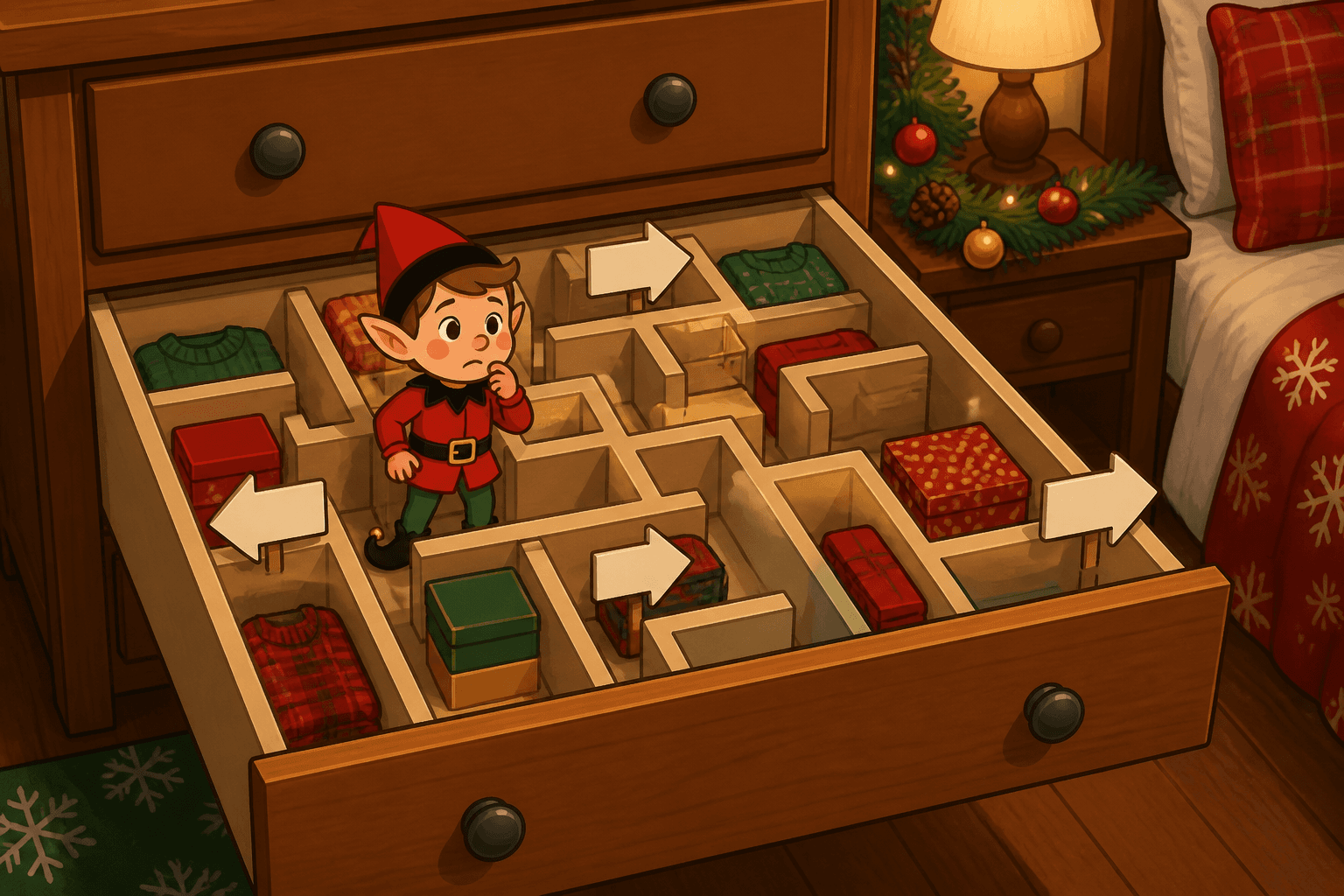
Drawer Divider Maze
Your elf runs a maze through sock-drawer dividers. Two-minute puzzle path with the drawer barely cracked, not left open as a climb.
Freezer Popsicle Patrol
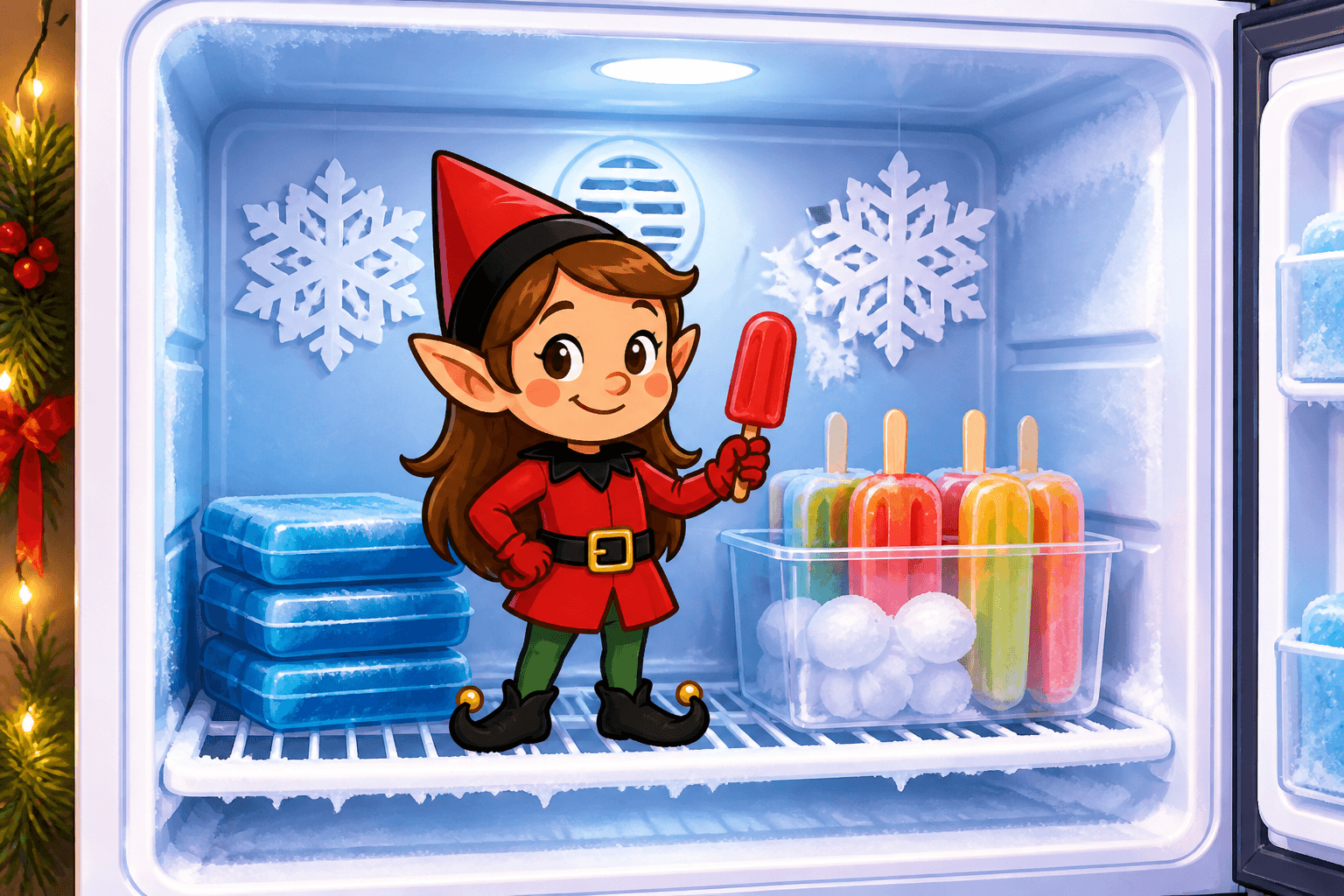
Your elf guards the popsicles from the freezer shelf, not buried in food. Two-minute frozen-treat stakeout when you open the door for the photo.
Garland Jungle Gym
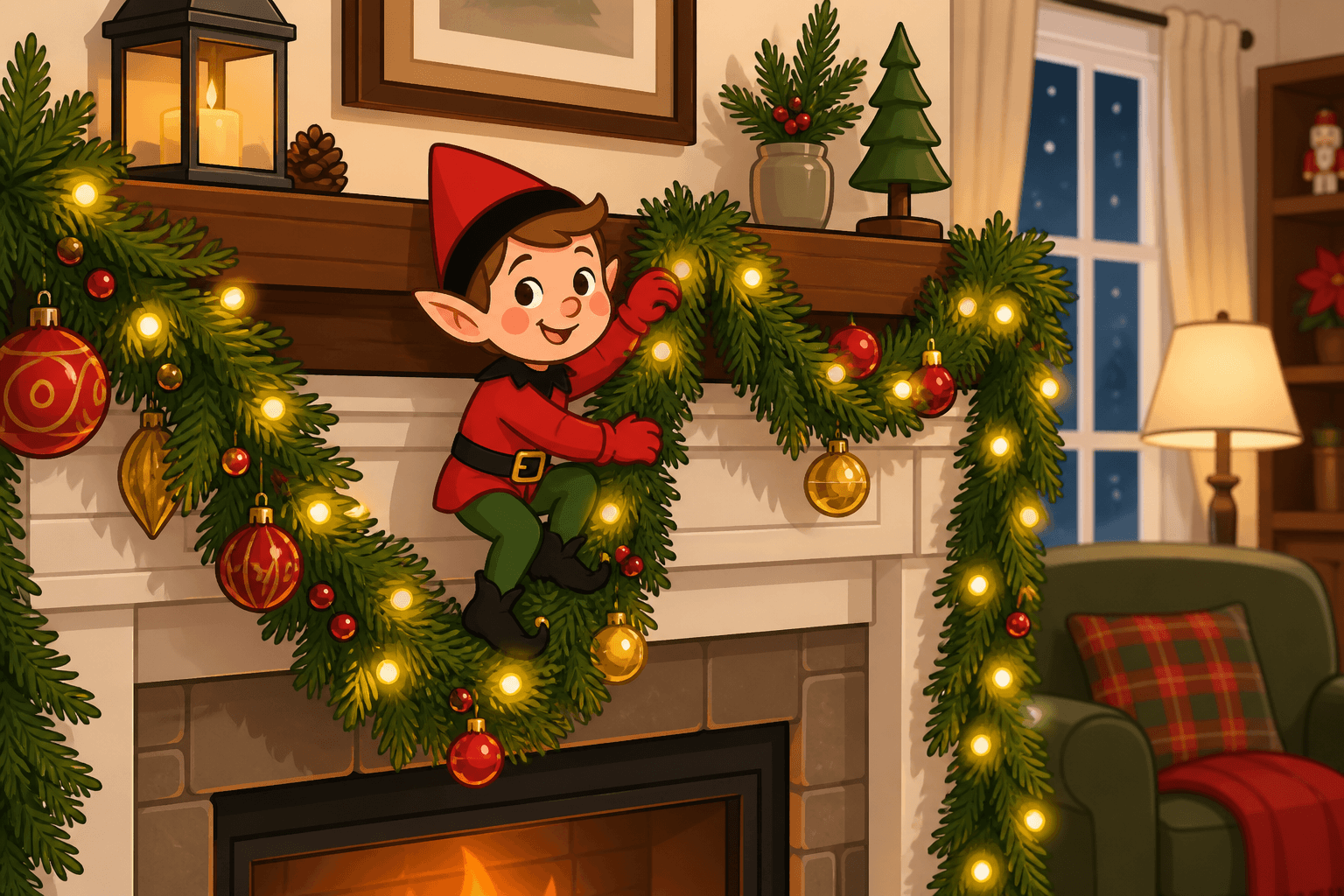
Your elf uses the mantel garland as a jungle gym. Two-minute climb that looks daring without hanging anything over a lit fireplace.
Glue Stick Sculptor
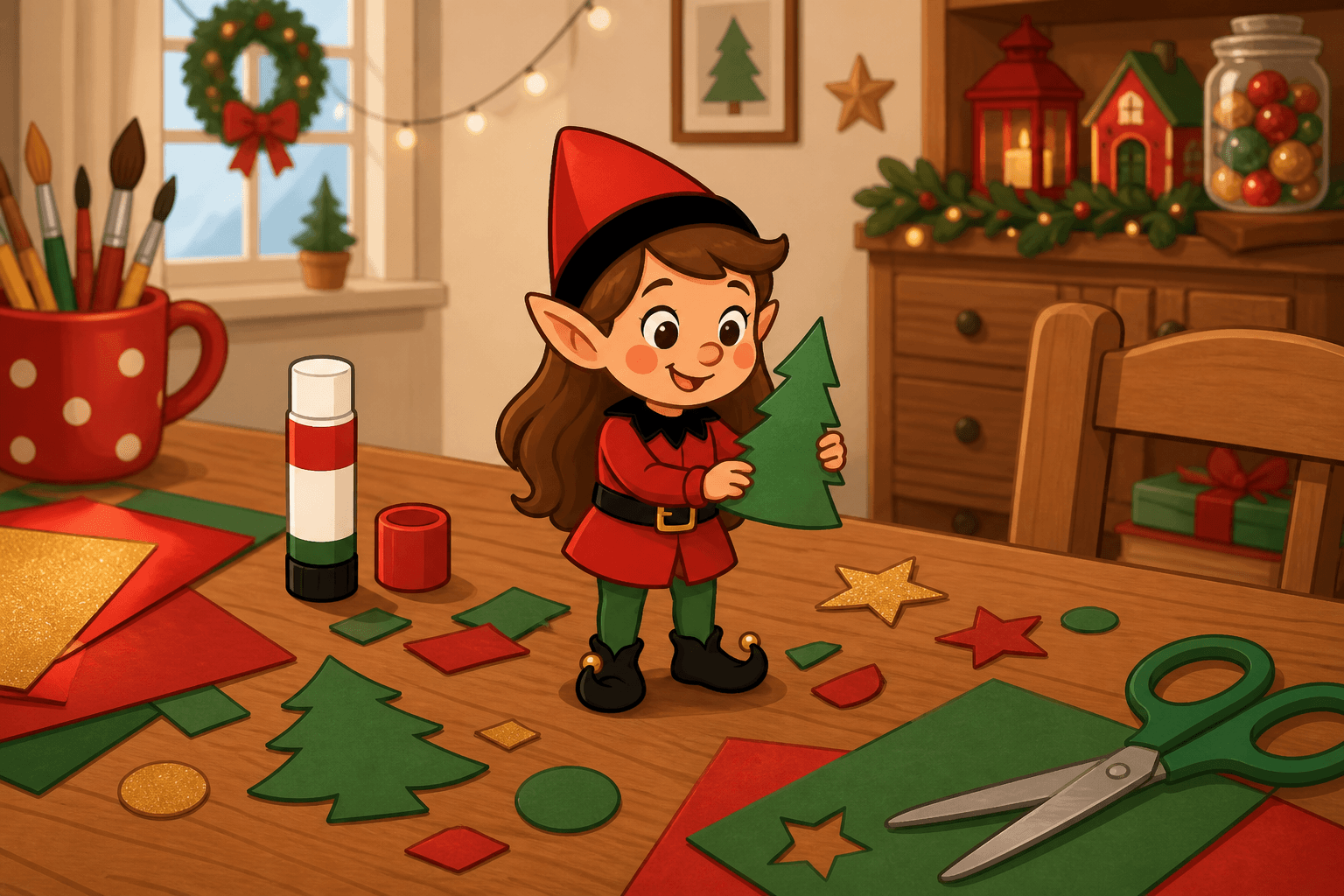
Your elf sculpts a masterpiece out of glue sticks and scrap paper. Two-minute craft-table art show with the glue caps on.
Gumdrop Garden
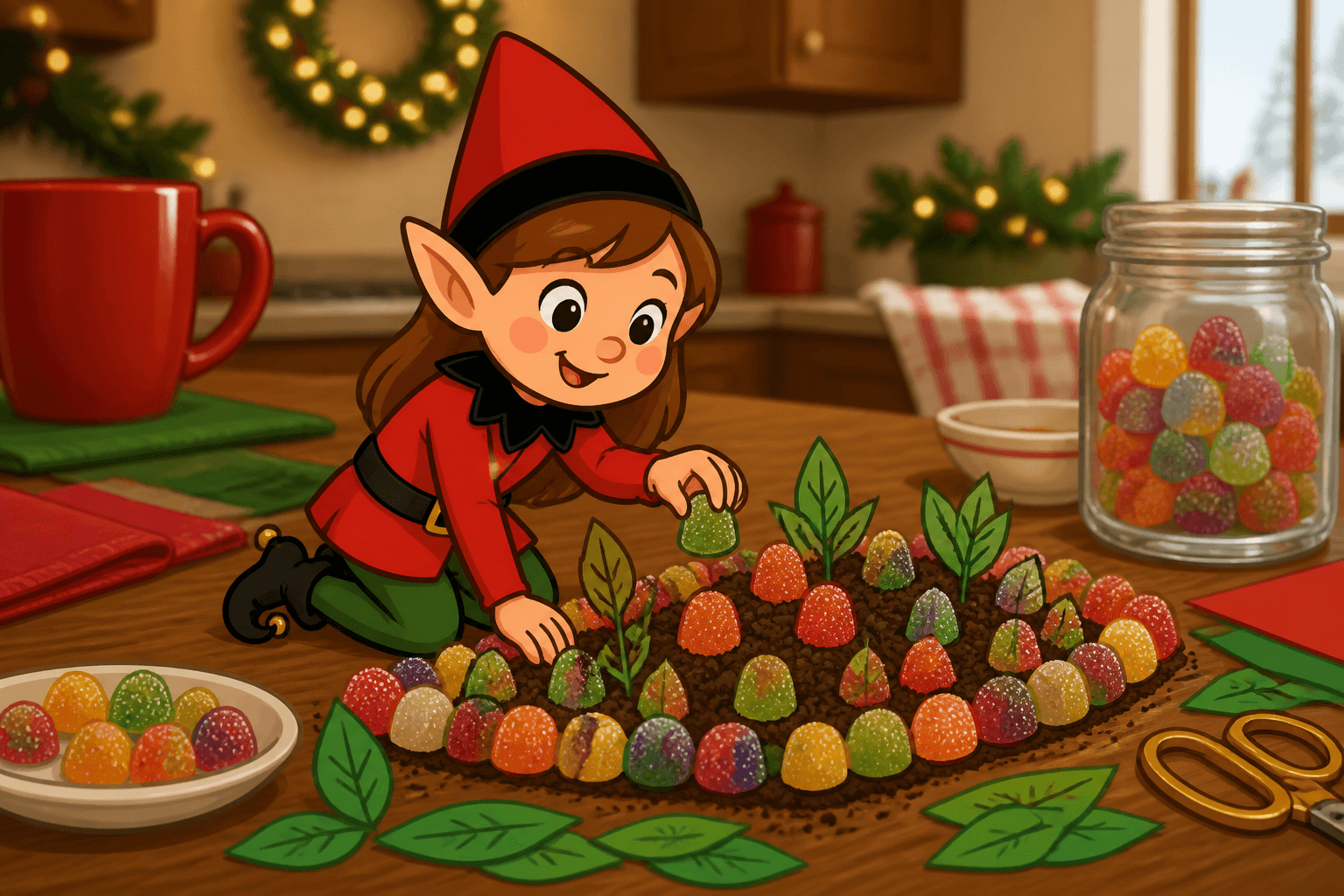
Your elf plants a gumdrop garden on a plate. Two-minute candy patch that looks like they took up farming between movies.
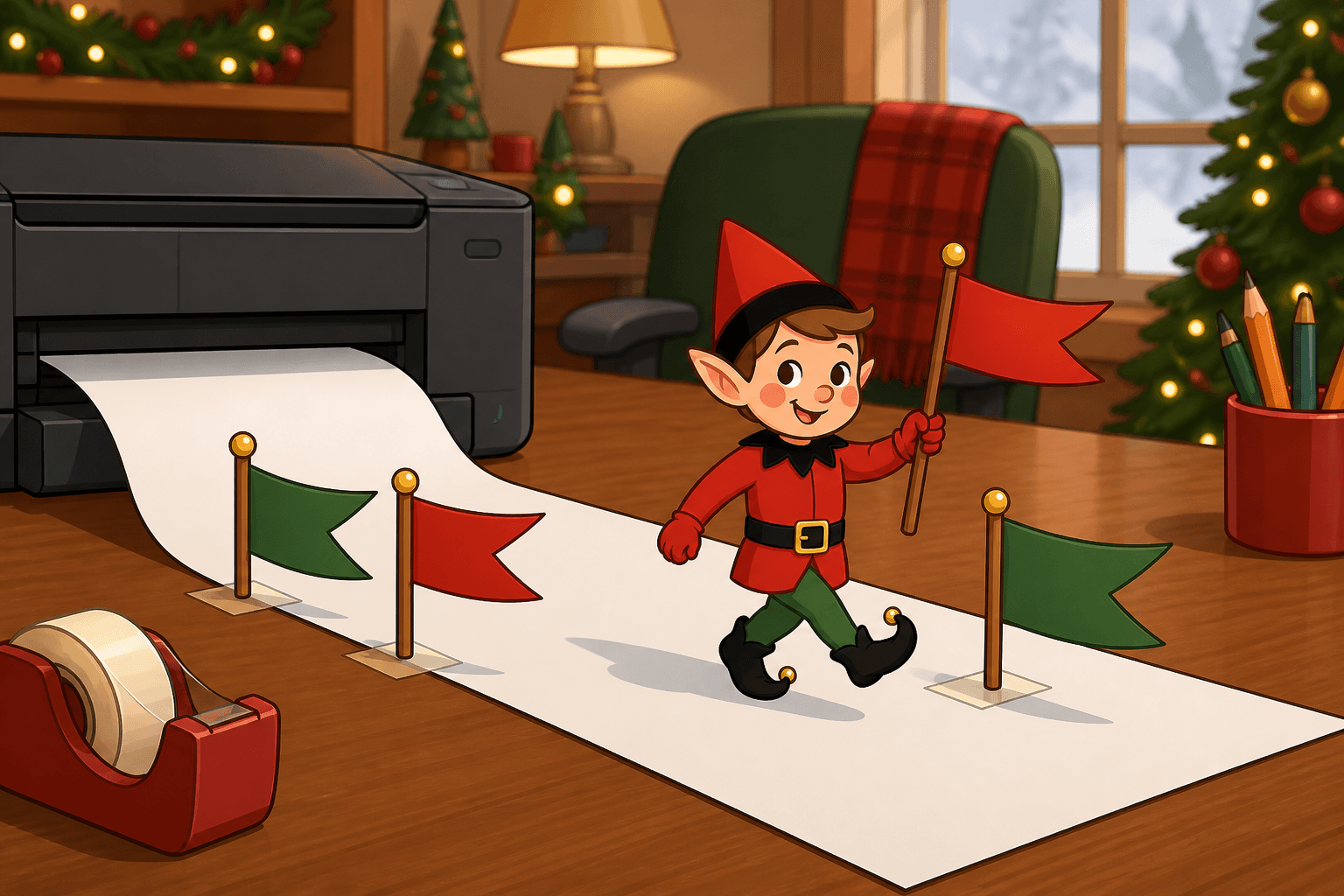
Printer Paper Parade
Your elf is marching across the printer-paper tray. A two-minute office parade with the printer off and the elf in front, not inside.