Printer Paper Parade: Office March
Published on August 24, 2025
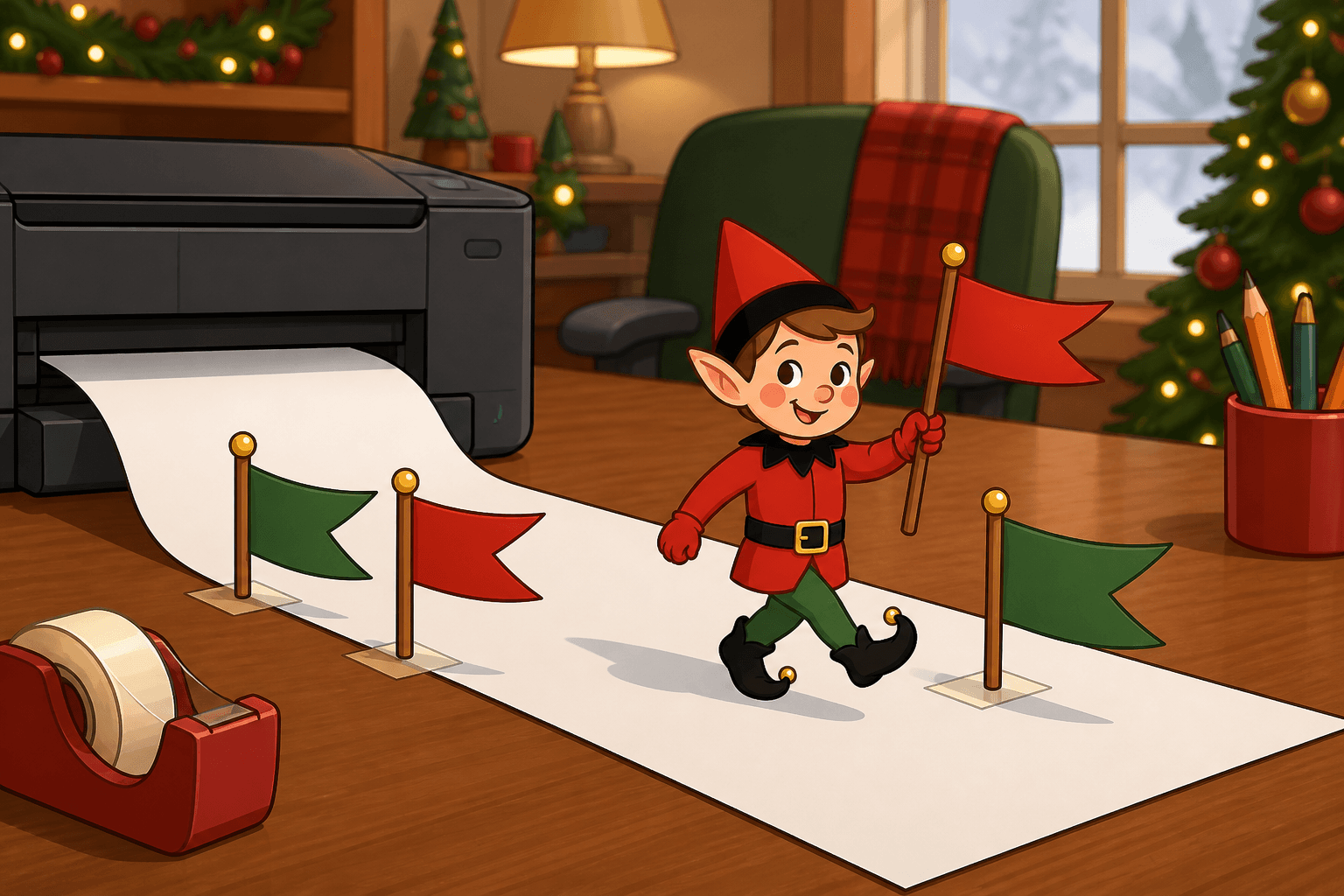
The home office needed a parade, and the printer paper volunteered as a float. Turn the printer off, fan a few sheets on the output tray, and stand the elf in front like a tiny grand marshal. It is a two-minute setup that makes a homework printer feel like a city street. If you already have a posable holiday elf, skip to the recipe. If you don't, start with the setup kit.
Turn the printer off, keep the elf in front of the paper tray rather than inside any slot, and keep fingers away from rollers.
You Will Need This:
- • Your holiday elf
- • A stack of printer paper
- • The printer (turned off)
- • A sticky-note banner
Step-by-Step Instructions:
Step 1: Power the printer down
Turn the printer off and unplug it if the cord is easy to reach. Do not open the insides. Pull a few sheets from the input tray and set them on top of the closed printer as a parade route.
Step 2: Fan the paper floats
Fan five or six sheets so they overlap like a sidewalk. Write “Parade route” on a sticky note and stick it to the top sheet. Keep paperclips in a dish so they do not fall into vents.
Step 3: Stand the marshal in front
Stand your elf on the desk in front of the paper stack, not in the output slot and not inside the machine. Give them a rolled sticky note as a baton. Face the office doorway.
Step 4: Leave an out-of-order sign
Write “Printer closed for parade. Do not print.” on a sticky note and stick it to the screen or lid. In the morning, let kids “march” the elf down the paper, then load the sheets back into the tray. Plug the printer back in only after the elf is off the desk.
Pro Tips:
- • A closed scanner lid is a better stage than an open jam door.
- • Bright sticky-note batons photograph better than a plain pencil.
- • If the printer sits on the floor, move the parade to the desk so nobody kicks it.
- • Never put paper or felt into the rollers “for the photo.”