Printer Tray Peek: Overnight Print Job
Published on June 28, 2026
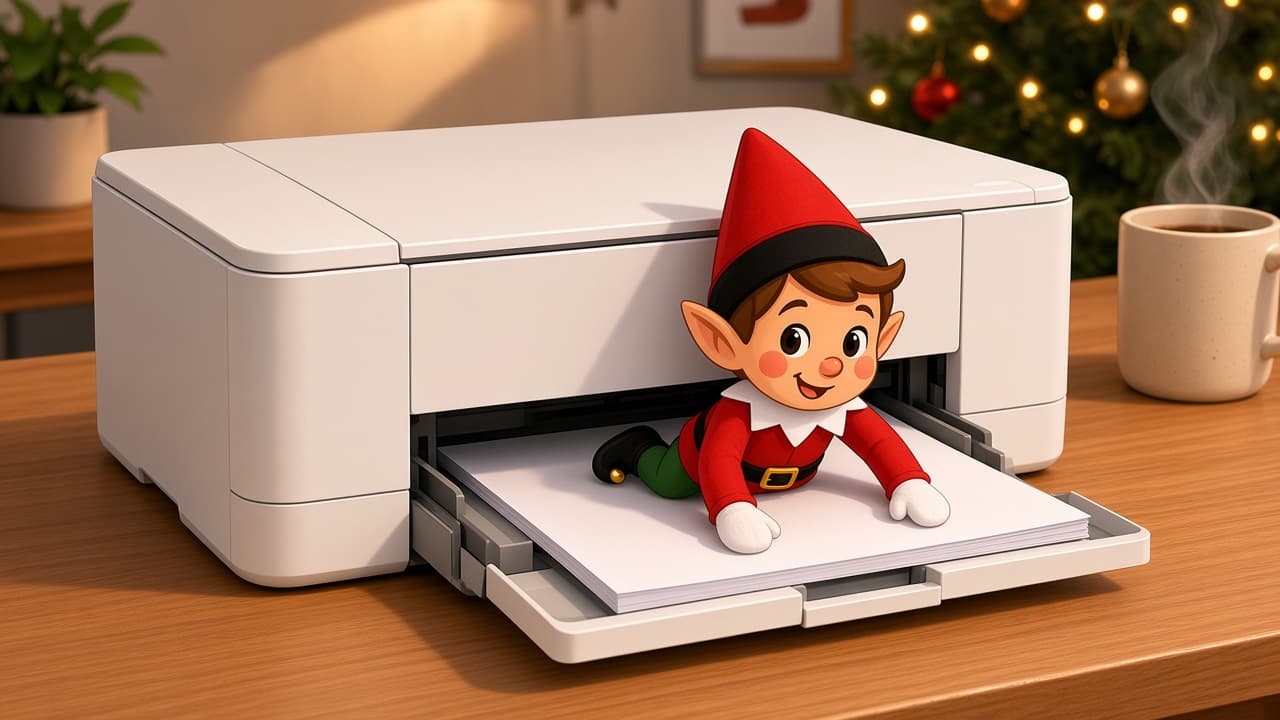
The homework printer ran a secret job after lights-out. Your elf is standing in front of the tray with a page half out, looking like the North Pole just sent a memo. Power stays off, fingers stay out of rollers, and morning discovery still feels like office drama. If you already have a posable holiday elf, skip to the recipe. If you don't, start with the setup kit.
Power the printer off and keep the elf in front of the tray, never inside the paper path or rollers.
You Will Need This:
- • Your holiday elf
- • A printer powered off
- • One sheet of paper halfway in the tray
- • A desk that can stay clutter-free overnight
- • Optional: posable boy elf if you want extra posable arms for the “inspecting the print job” stance in front of the tray.
Step-by-Step Instructions:
Step 1: Power the printer off
Turn the printer off at the button and, if you can, unplug it. Do not start a real print job for this gag. Warm rollers are not a prop.
Step 2: Stage a half sheet
Slide one sheet halfway into the input or output tray so it looks stuck on purpose. Keep extra paper in the pack. Do not open the inner guts of the machine.
Step 3: Inspect from the front
Stand your elf in front of the tray, hands on the paper, as if quality control is in session. The doll does not go inside the printer. Face the scene toward the desk chair.
Step 4: Leave the rollers alone
If a kid tries to “help” by opening the back door, that is your cue to pack the scene. In the morning, pull the sheet out and power on as usual. No one fishes in the paper path.
Pro Tips:
- • Power off first, pose second.
- • Elf in front of the tray, never inside.
- • One half-out sheet tells the whole story.
- • Skip this gag if the printer is mid-job or jammed for real.