Sticky-Note Takeover: Laptop Memo
Published on August 20, 2026
Time: about 2 minutes.
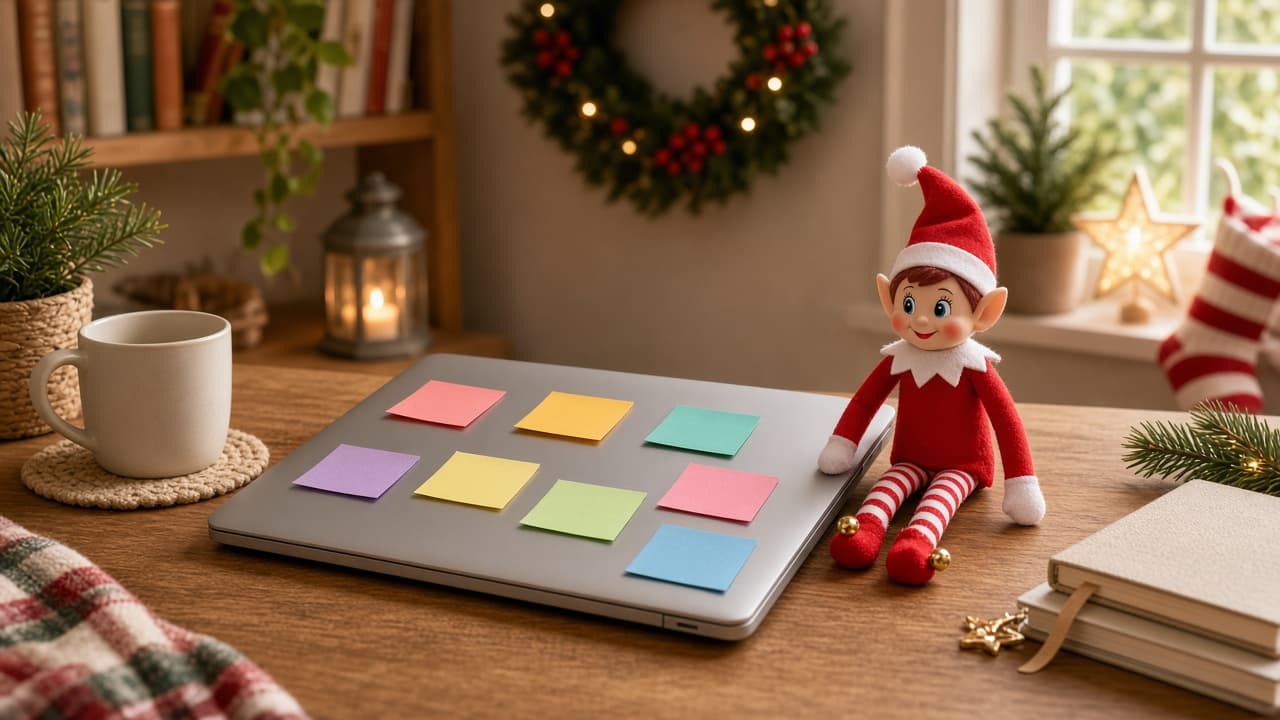
The laptop is already on the desk. Tonight it stays closed and becomes a memo board. The holiday elf left notes. Two minutes, no games, no open screen. If you already have a posable holiday elf, skip to the recipe. If you don't, start with the setup kit.
Lid closed. Do not stuff notes into ports or vents. Unplug the charger if the cord is a trip line. This is a memo board, not a phone or a game.
You Will Need This:
- • Your holiday elf
- • A closed laptop
- • A pad of sticky notes and a pen
- • The desk
- • Optional: one note that says "Read me first"
- • Optional: googly eyes if you want every note on the laptop staring back.
- • Optional: washi tape if you want the notes in stripes and patterns.
- • Optional: colored paper clips if you want the notes clipped into a chain.
Step-by-Step Instructions:
Step 1: Set the board
Close the laptop. Unplug the charger if it crosses the walk path. Stick four or five notes on the lid, not on the keys and not in the ports.
Step 2: Pose the elf
Sit the posable elf on the desk beside the lid, or on the lid if it is stable and cool. One note in their hand is enough.
Step 3: Add the tiny details
Write short jokes, not passwords, not school logins. "Read me first" on top. Leave phones and controllers in another room so this does not become a tech pile.
Step 4: When kids find it
They find it when they sit down to the desk. Pull the notes before anyone opens the laptop for real work.
Pro Tips:
- • Closed lid only. An open screen is glare and a different theme.
- • Do not write anything you would not want in a photo.
- • Four notes read as a takeover. Twenty notes read as you lost an evening.
- • If the laptop is a work machine, use a closed notebook instead and keep the same gag.
More Ideas
Last-minute elf ideas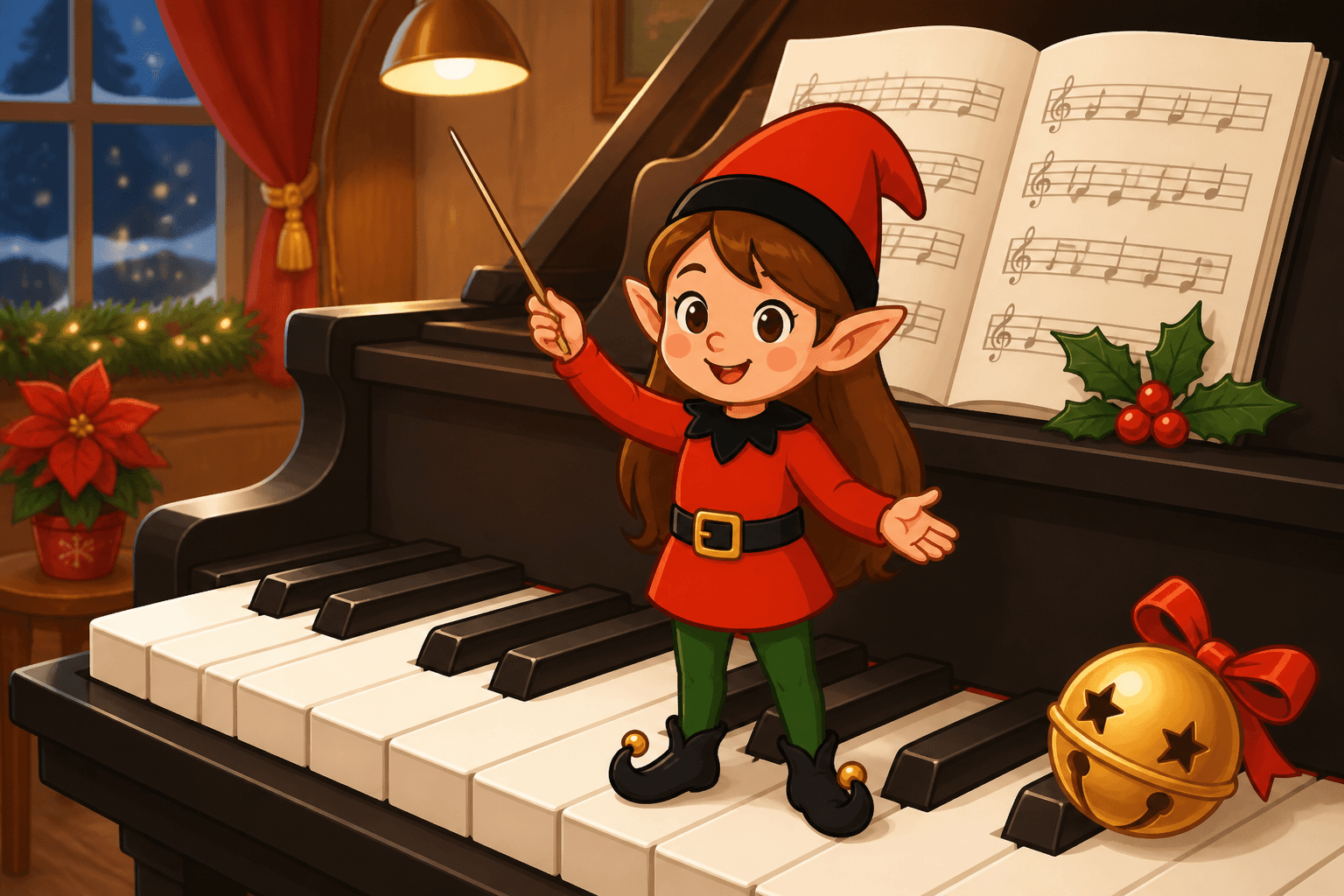
Piano Key Parade
Your elf is marching a holiday song across the piano keys. A two-minute concert using a real keyboard or a tiny piano, lid propped safely.
Coupon Clip Night
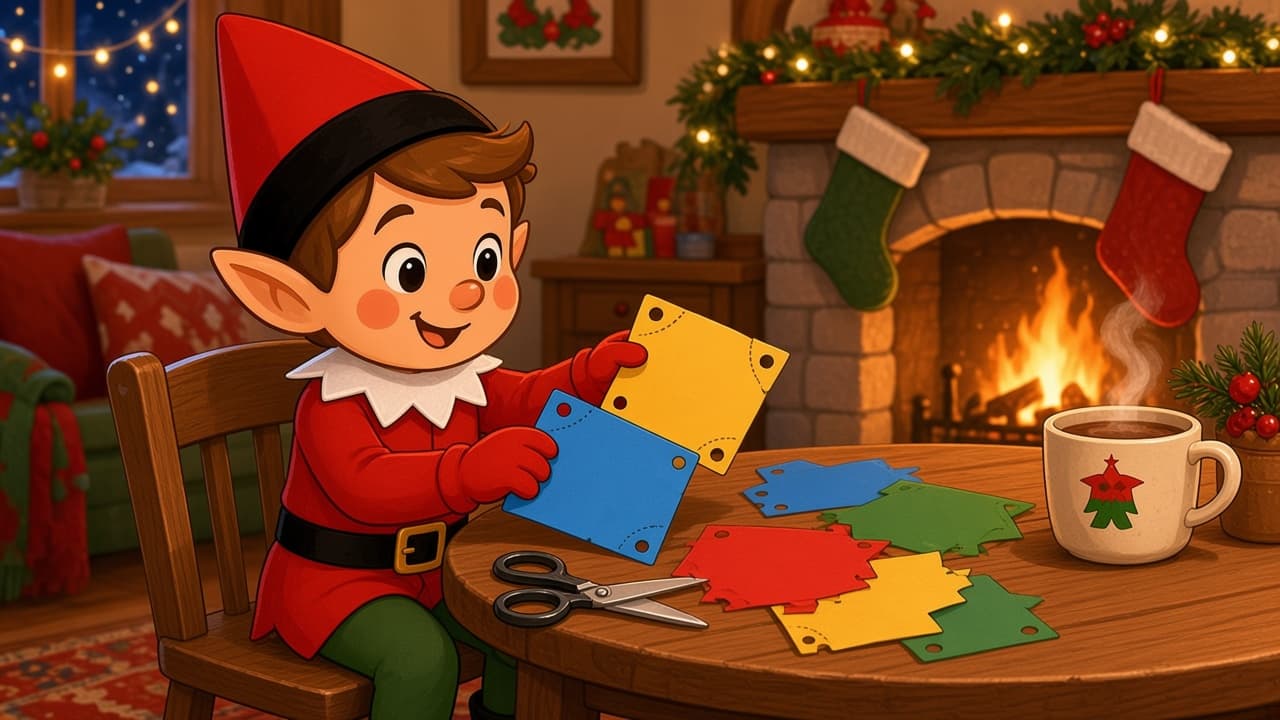
Your elf clipped coupons at the table with closed kid scissors. It is a Sunday-insert gag, not a mailbox raid.
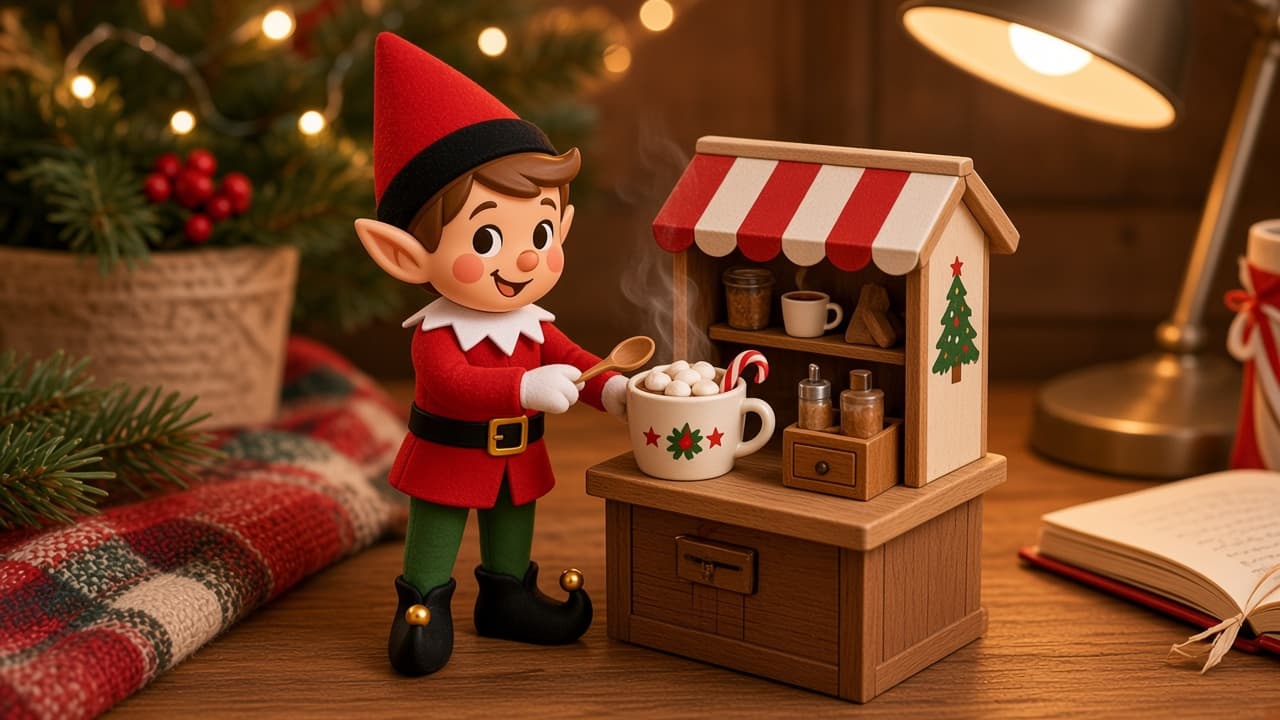
Hot Cocoa Desk
Cocoa is already in the cupboard. Tonight the holiday elf set up a desk service with empty mugs and a tin.