Backpack Checkout: Zip and Go
Published on August 18, 2026
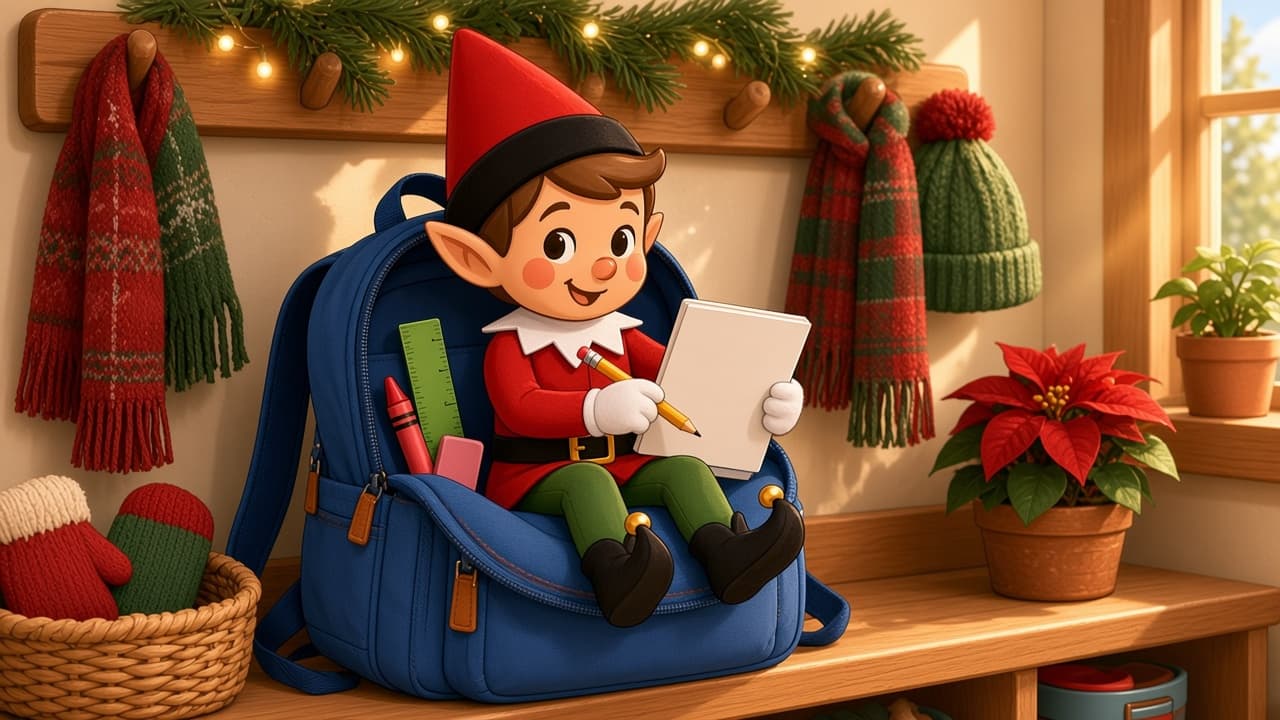
The backpack is already on the chair. Tonight the holiday elf is running checkout: folder, zipper, done. Two minutes. Do not zip them in. If you already have a posable holiday elf, skip to the recipe. If you don't, start with the setup kit.
Do not zip the elf inside. Keep the pack off the stairs and out of the door swing. No loose pencils at toddler mouth height.
You Will Need This:
- • Your holiday elf
- • The backpack that already lives by the door or the desk
- • One notebook, folder, or a pencil
- • Optional: a sticky note that says "Checked"
Step-by-Step Instructions:
Step 1: Set the desk
Open the main pocket. Pull one folder half out so it reads as a checkout line. Keep the pack on a chair or the floor beside the desk, not on a stair.
Step 2: Pose the elf
Sit the posable elf on the chair, the desk, or the open flap. One hand on the folder. They look like they stamped it.
Step 3: Add the tiny details
A "Checked" note on the folder is enough. Leave pencils in the pocket, not on the floor. Do not use a phone or a tablet as the "scanner."
Step 4: When kids find it
They find it when they grab the pack. Move the elf before the morning run so the zipper actually closes.
Pro Tips:
- • Open flap, not a closed, stuffed bag. You want the elf visible.
- • Crop last names off worksheets if you save the photo.
- • If two kids have packs, pick one. Two open bags is a mess, not a clerk.
- • This is not a toy-box dump. Keep toys in their bin.
More Ideas
Last-minute elf ideas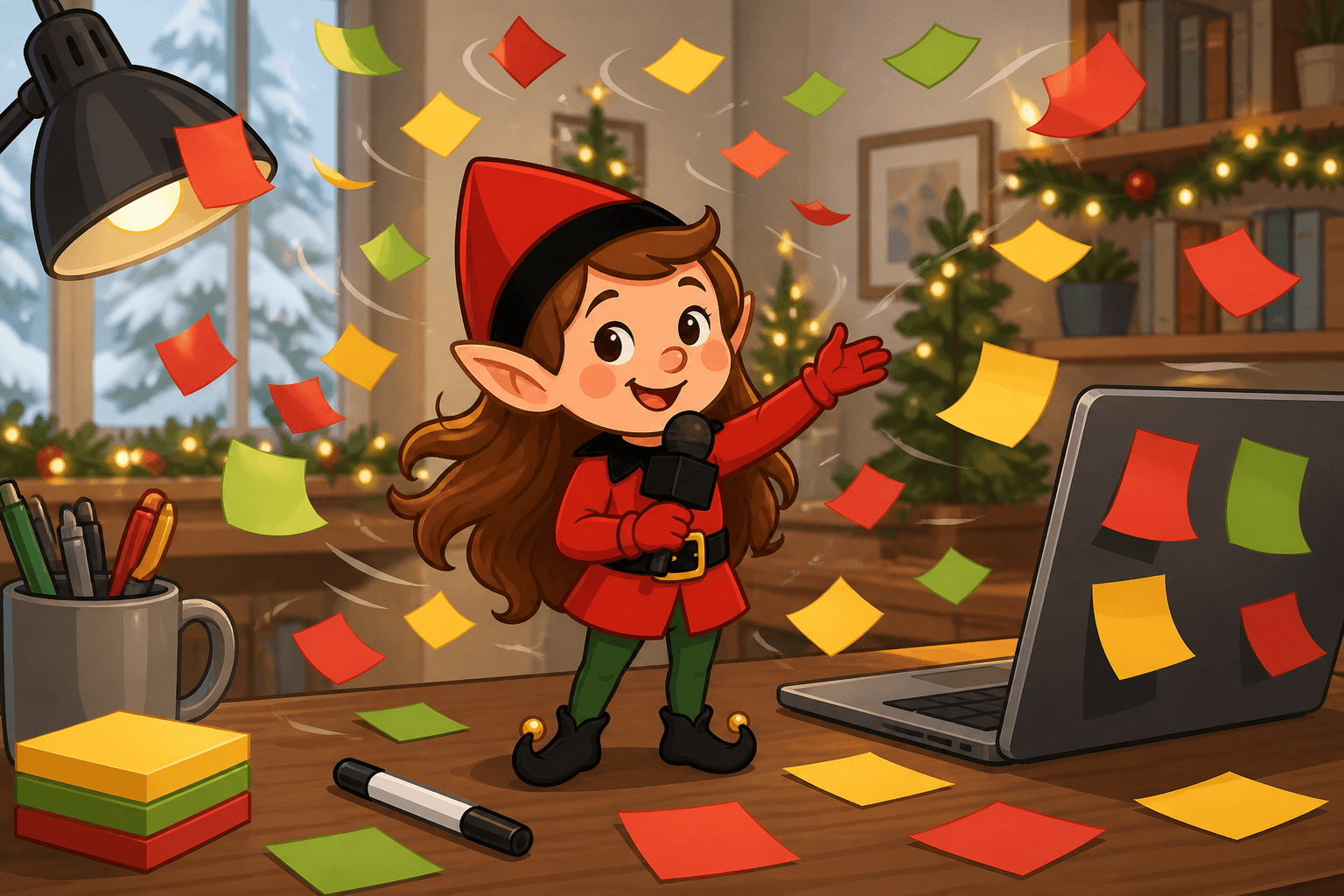
Sticky Note Snowstorm
Your elf issued a sticky-note blizzard on the homework desk. A two-minute weather alert using a pad of notes you already have.
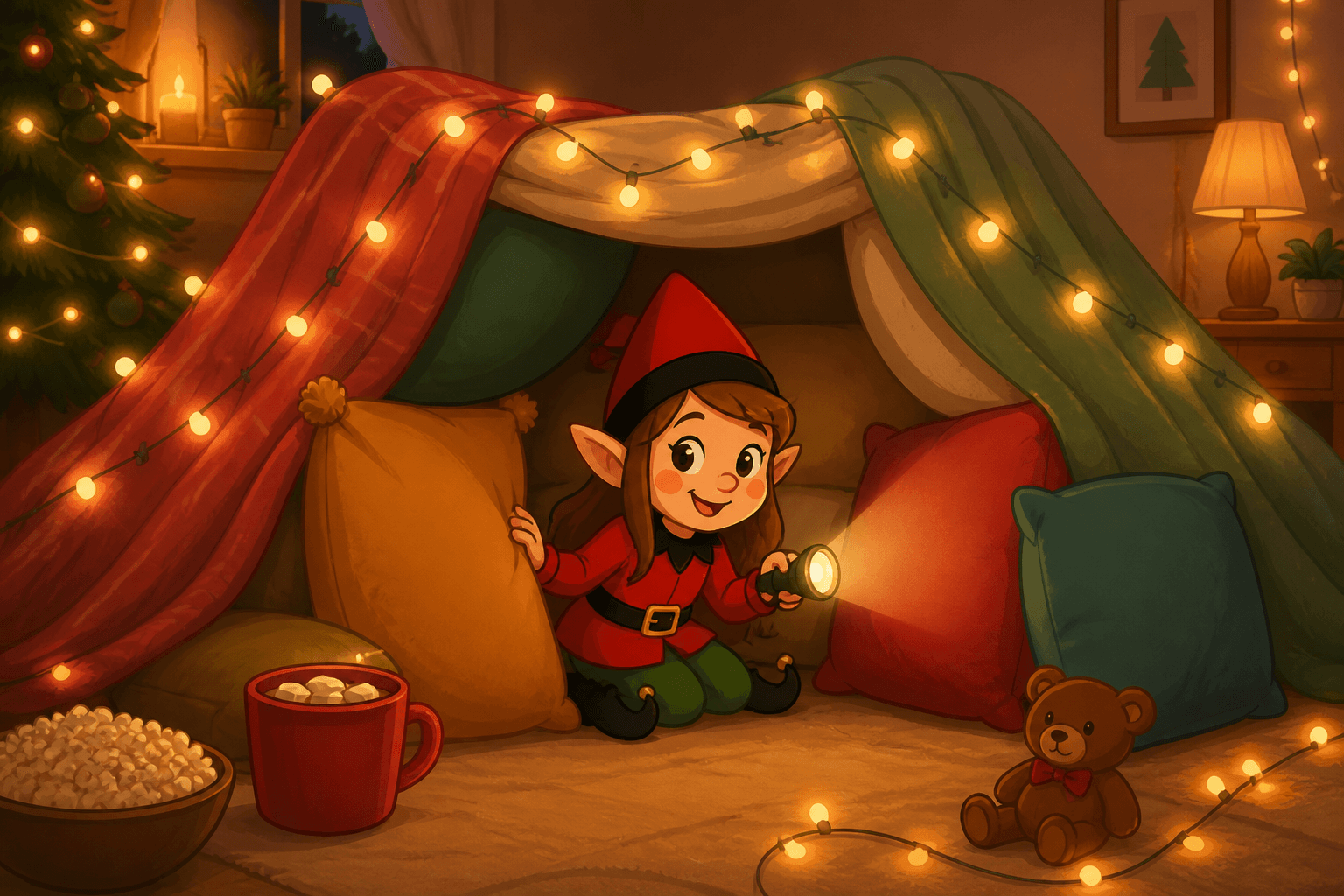
Pillow Fort Planner
Build a tiny pillow fort for your holiday elf using couch cushions, blankets, or bedroom pillows.
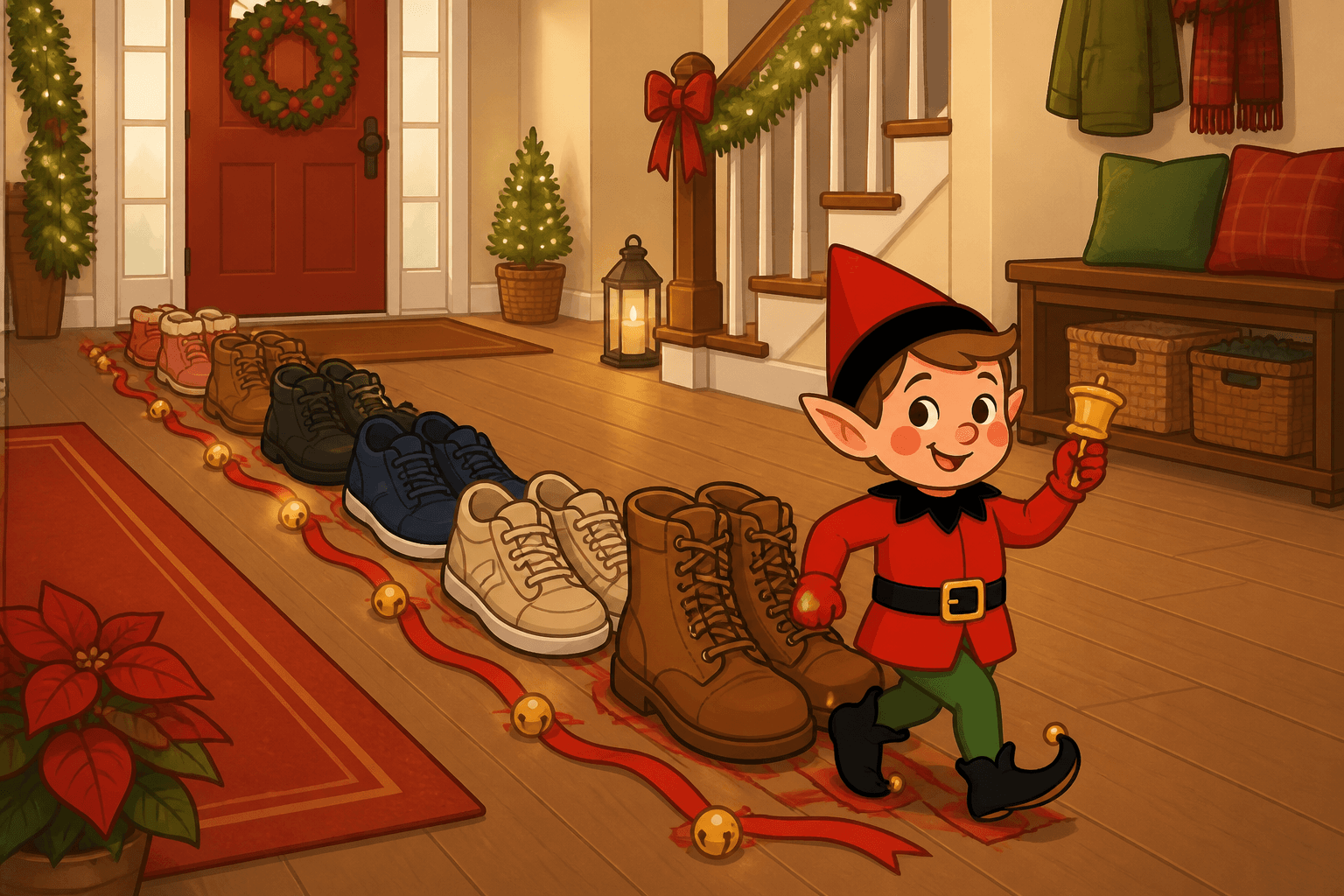
Shoe Parade
Line up shoes in the entryway and turn your holiday elf into the parade leader for an easy front-door hiding spot.