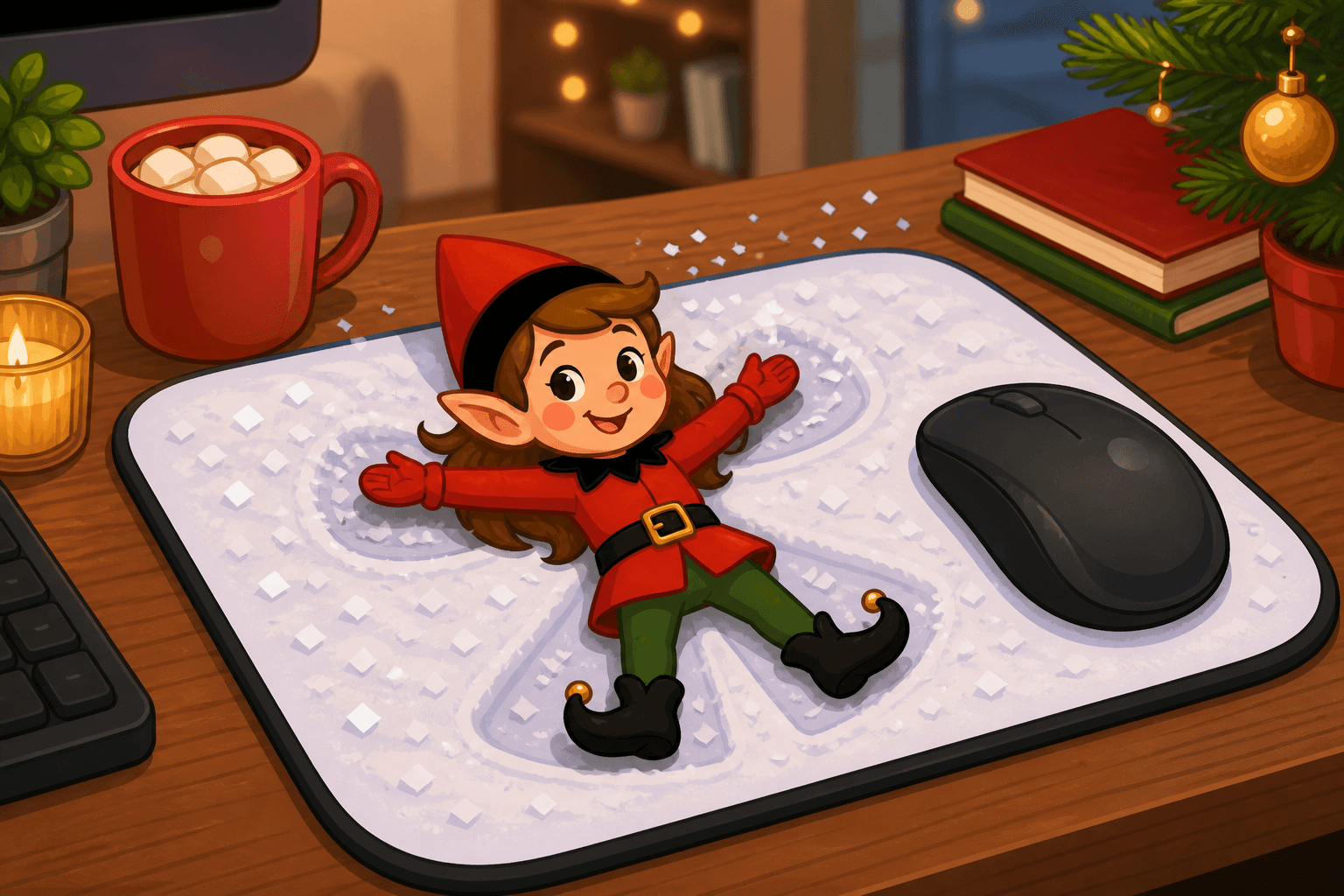
Keyboard Key Captain: Desk Command Post
Published on August 26, 2025
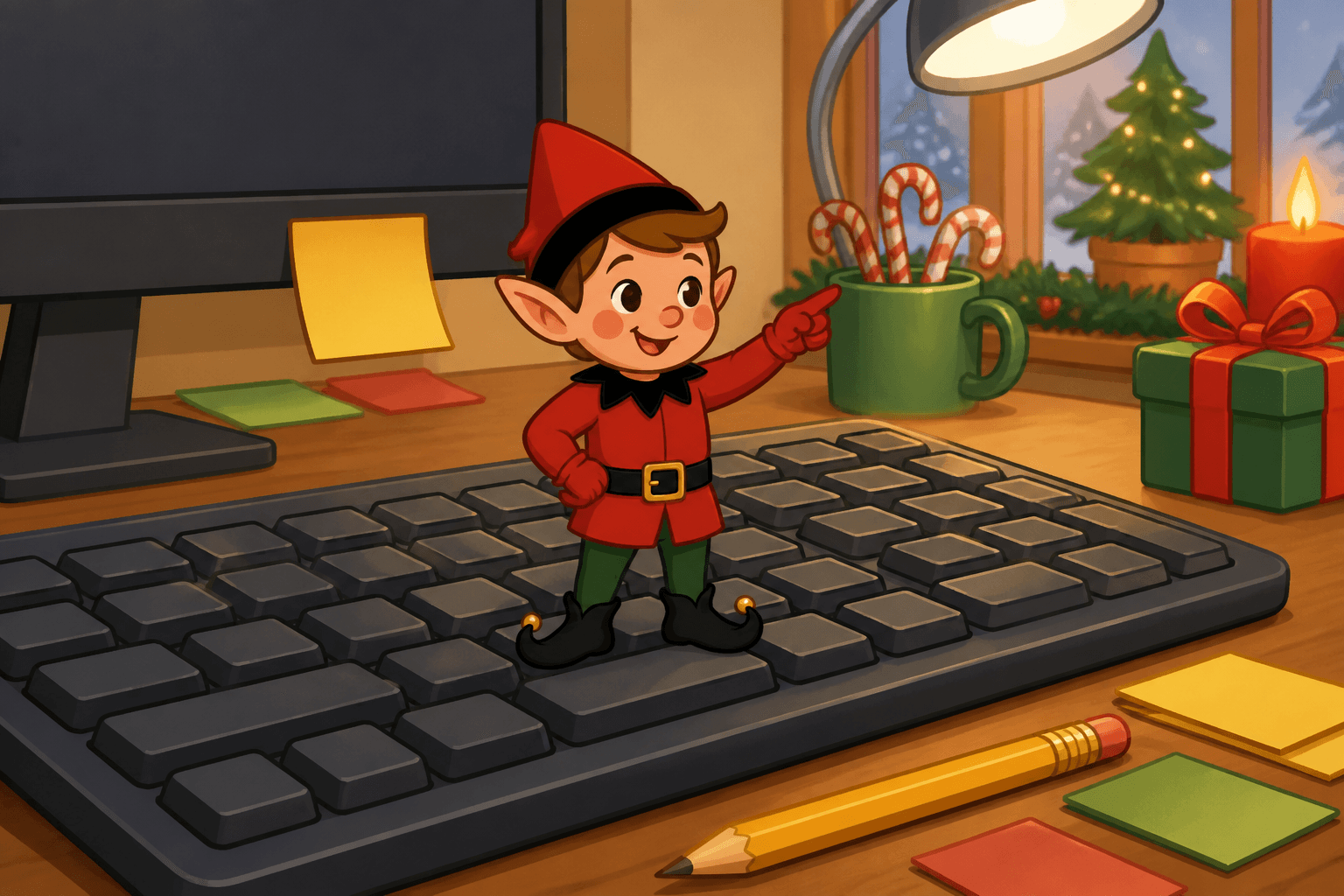
Homework hour hired a captain, and the captain only types in all caps. Your elf is on the keyboard like the next level of the game starts at sunrise. If you already have a posable holiday elf, skip to the recipe. If you don't, start with the setup kit.
Sleep or shut down the computer, unplug chargers, and never cover a warm adapter with the elf.
You Will Need This:
- • Your holiday elf
- • A computer keyboard
- • A desk
- • Optional: tiny laptop set if you want a closed mini laptop as a second command screen, unplugged.
Step-by-Step Instructions:
Step 1: Sleep the computer
Put the real machine to sleep so a tiny foot cannot send an email. Command posts should not hit “reply all.”
Step 2: Unplug extras
Pull charging bricks off the desk. Cool cables can stay as set dressing; warm ones cannot hide under felt.
Step 3: Stand on the keys
Sit or stand the elf on the space bar with one hand on a letter. “HELP” spelled in sticky notes is optional and excellent.
Step 4: Leave a mission sticky
Write “Do not save over homework” and park it on the monitor bezel. Kids will accuse the elf of last night’s unfinished assignment.
Pro Tips:
- • A wireless keyboard you can move to the kitchen is easier than posing on a cluttered office desk.
- • Avoid mechanical keys if the elf keeps falling between them.
- • Dust the keyboard first; close-ups are unforgiving.
- • Log out of anything important before you stage a toy on it.