Photo of your room vs a hiding-spot list
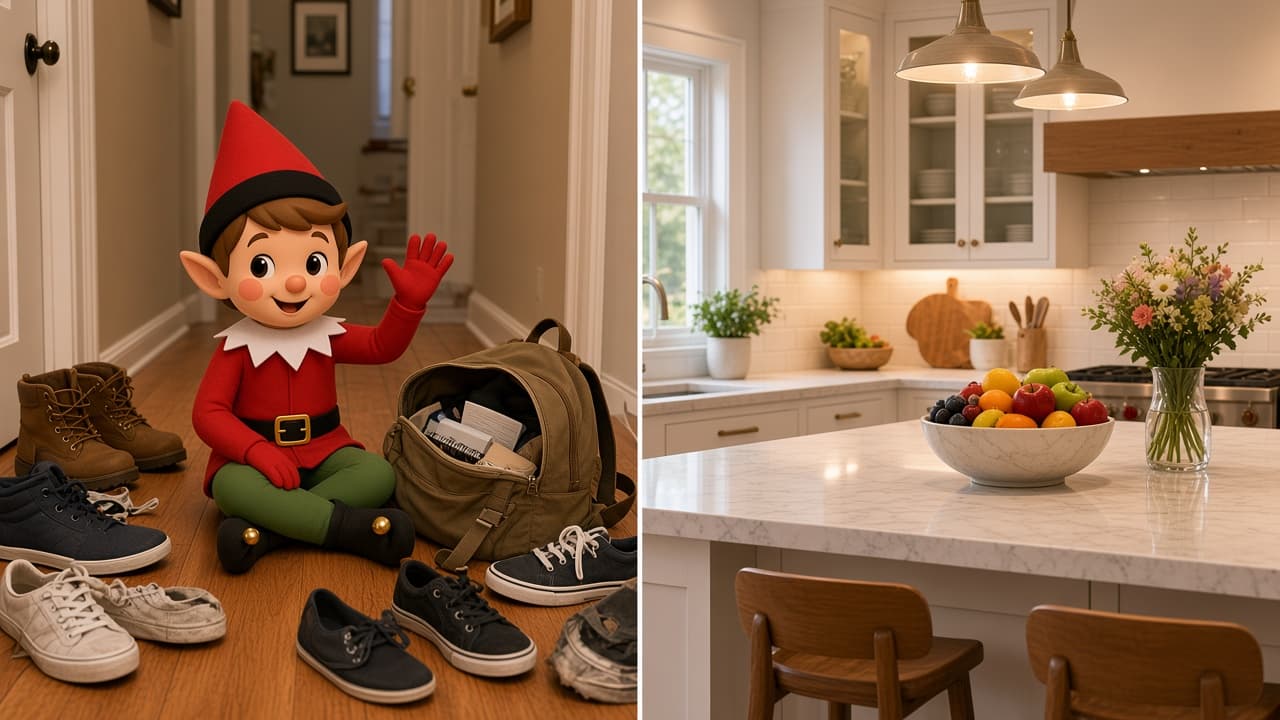
A hiding-spot list and Elfie Spot Finder are not the same job.
A list — a Pinterest board, a parent-blog roundup — shows a photo someone else already staged. You try to rebuild it here. Cute when you have time. Useless when you are holding a sock and a deadline.
Elfie starts from this month, and from this room when you need it. Pick a night, use a ready idea, or snap the room. Swipe if it is not the one. How it works walks the live screens. The app does not hand you a pre-shot living room from a stranger’s house.
What a list is good at
Inspiration. You already know the kitchen corner. You just want a gag. Our easy spots by room page is that kind of list, on purpose.
What the photo app is for
The night you are out of list ideas and staring at your hallway. Scan the room you point at. Or skip the camera and swipe presets. Used spots stay out of the rotation. iPhone only, iOS 15.1 or later.
Want the catalog? Use a list. Want a spot from the room you are standing in? Get the app. The Independent iPhone app page is that path.
Related ideas
If you want a ready scene, start here. Two minutes. No craft table.

More elf ideas
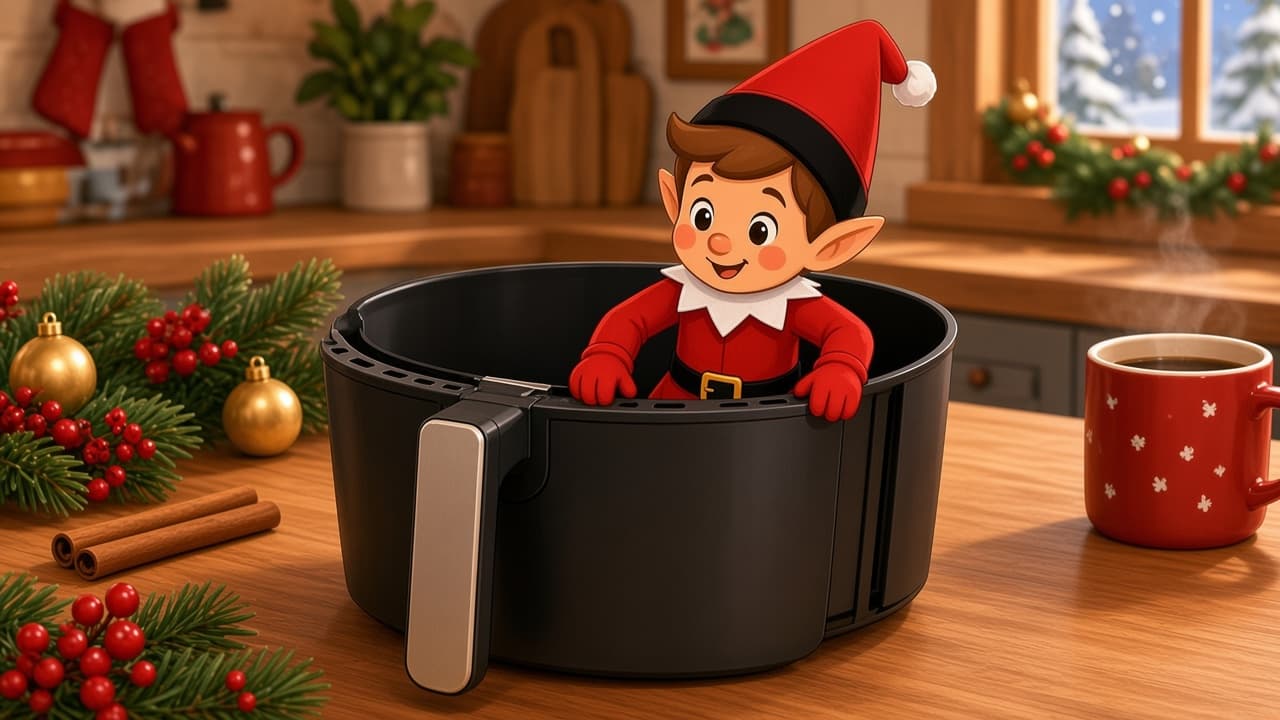
Air Fryer Basket Peek
Your elf is inspecting a cold, unplugged air fryer with the basket pulled halfway. The doll stays on the counter looking in, never in the basket.
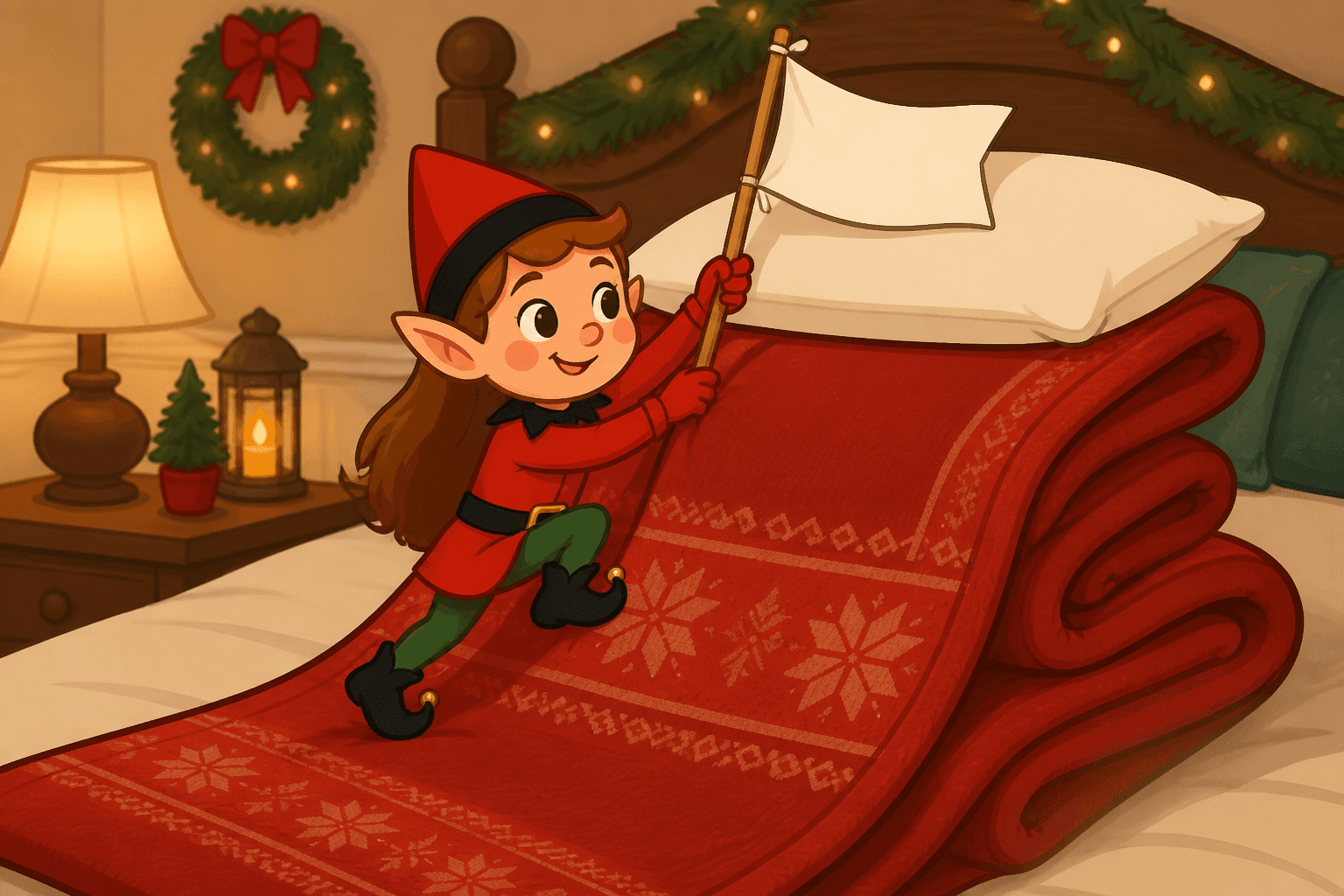
Blanket Ladder
Your elf climbs a blanket draped over the couch like a cozy rock wall. Two minutes, no furniture stacking, big living-room laugh.
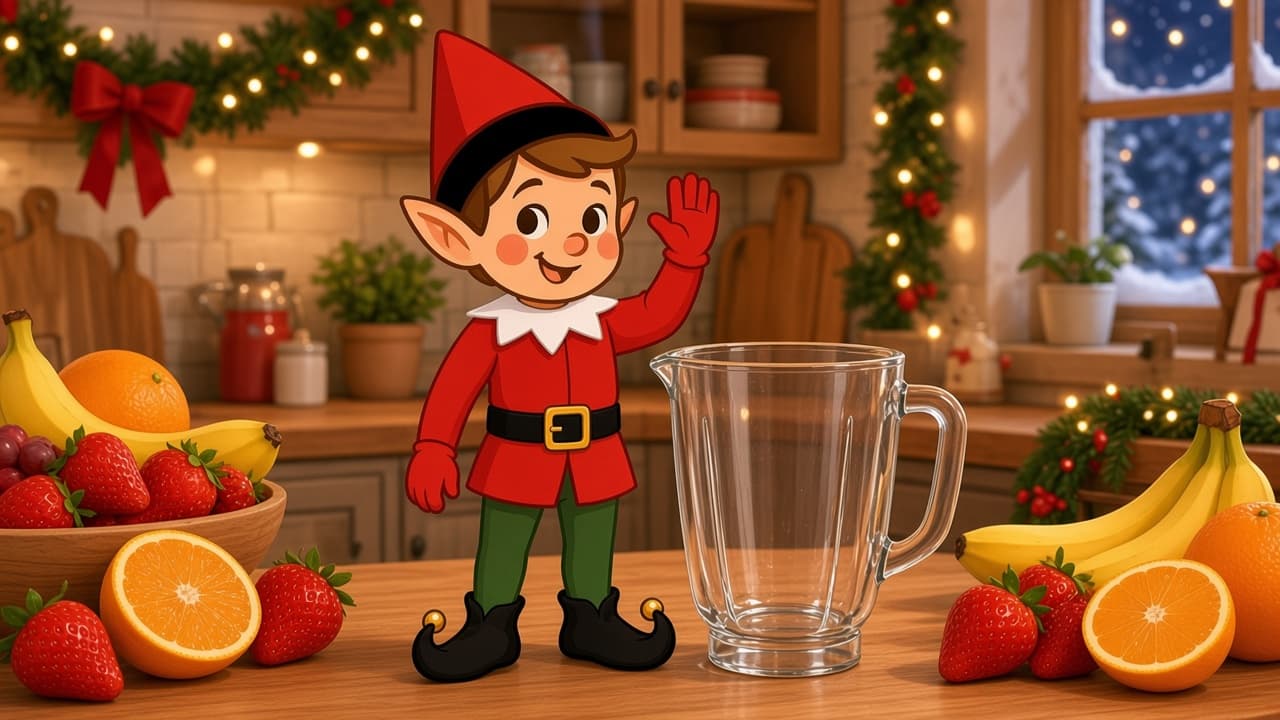
Blender Smoothie Shift
Your elf opened a midnight smoothie bar with a cold, empty 1:12 blender. Skip the real appliance. This is a toy pitcher on a quiet counter.
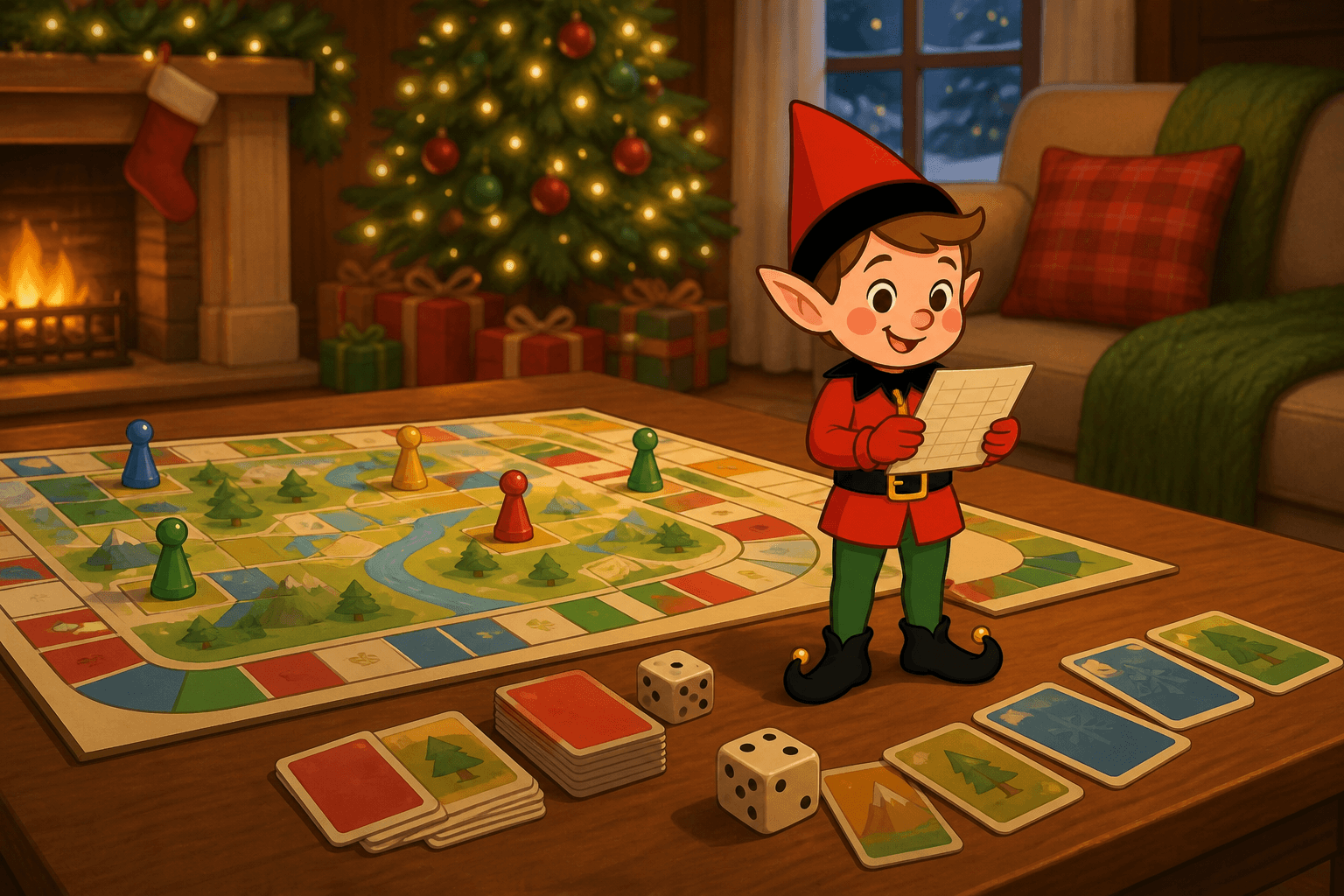
Board Game Referee
Set your holiday elf in the middle of a board game as the tiny referee for family game night.
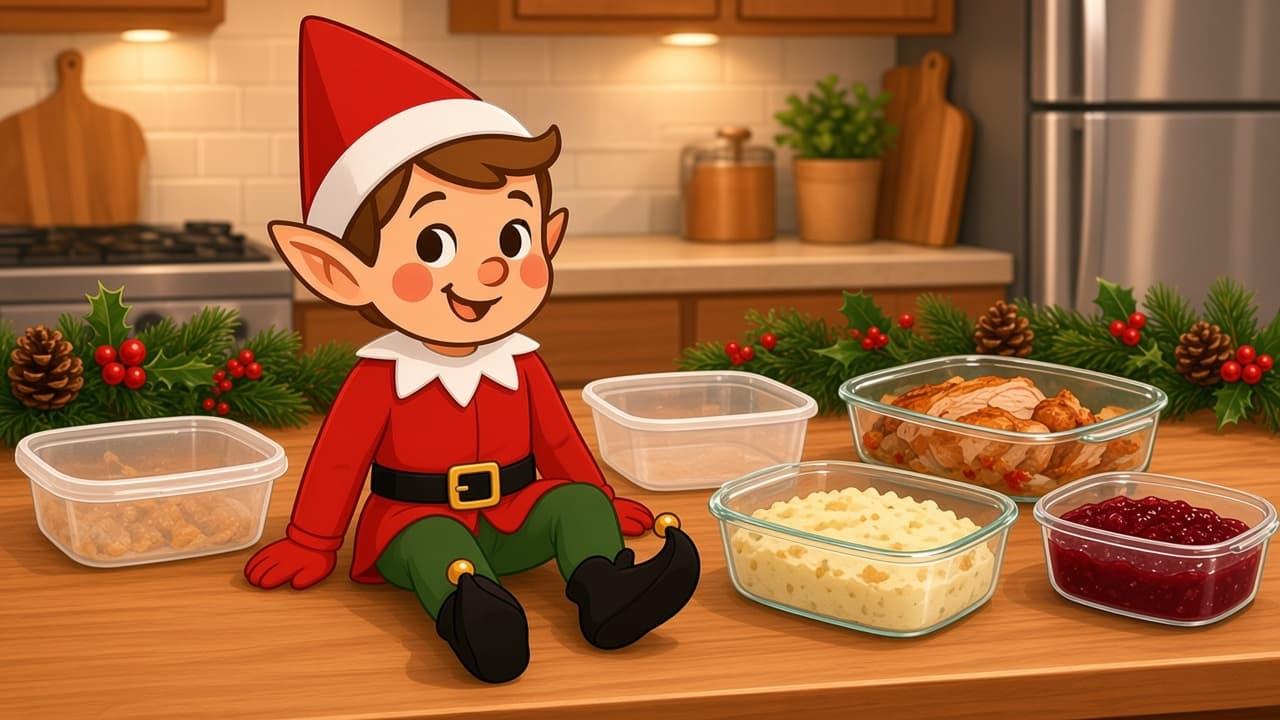
Fridge Leftover Raid
Someone is always raiding last night's dinner. The holiday elf got there first.
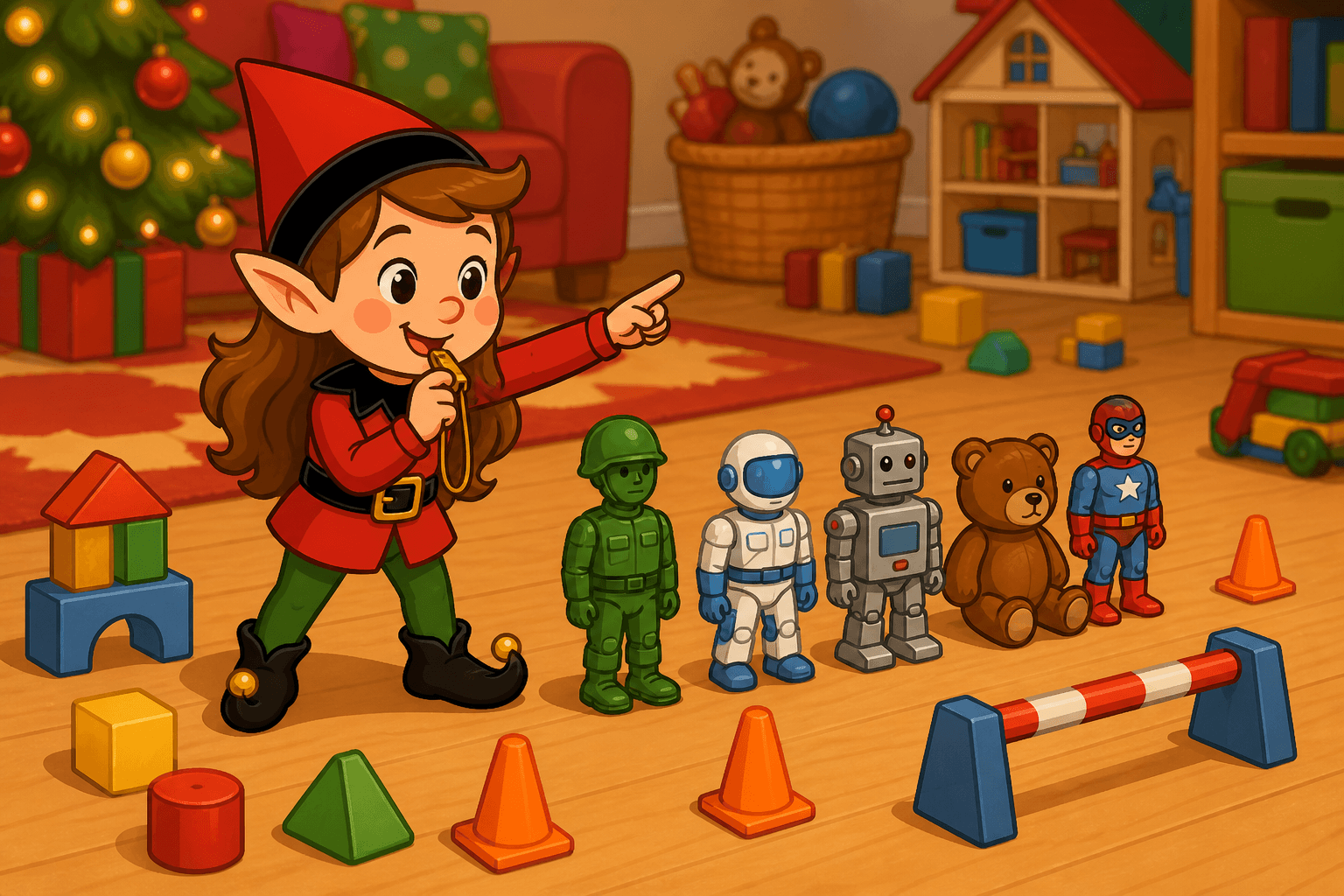
Action Figure Training
Your elf runs a two-minute boot camp with the kids’ action figures. Push-ups on the rug, a line of toys standing at attention, and plenty of giggles at breakfast.